Upload your jewelry photo
A clean packshot on a plain ground works best, photographed from the angle the piece will be worn at.
For jewelry brands, designers & marketplace sellers
Put a necklace, earring, ring or bracelet on a real model without a shoot.
Upload your piece, then choose a model from the matching jewelry library.
This is not a selfie filter. It starts from two real photographs and returns a photograph.
No shoot · No model booking · No Photoshop
A clean packshot on a plain ground works best, photographed from the angle the piece will be worn at.
Pick a model prepared for your jewelry type: a clear hand, neckline, ear or wrist.
Review the fit, proportions and details, then download the finished image for your product presentation.
One solution for every piece.
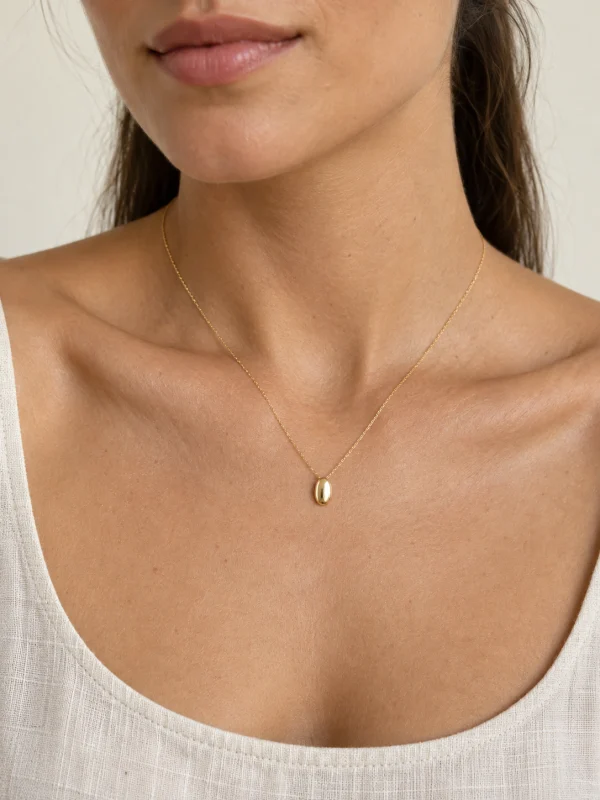
A necklace reads by the length of its chain against a neckline. Choose a model with the collarbone clearly in frame, and photograph the piece hanging rather than coiled flat.
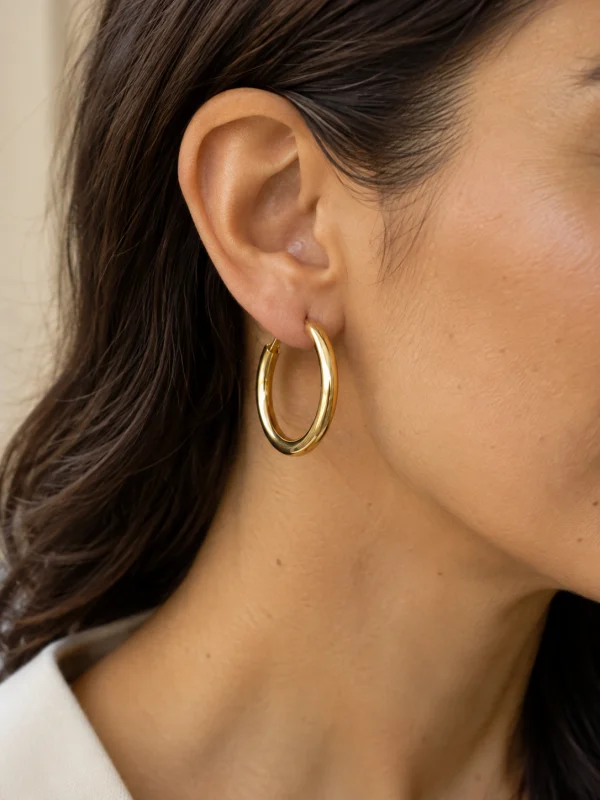
A hoop reads by the distance it hangs from the lobe. Pick a model with hair tucked back and the ear visible — the proportions a white-background shot cannot show.
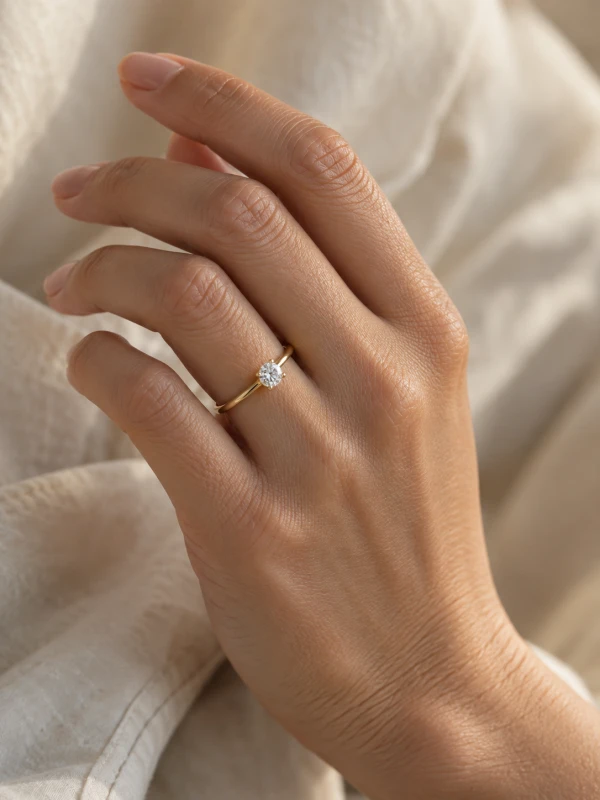
A ring needs a hand that is open and reasonably close. Our ring model library keeps the focus on the fingers, so you can judge placement and proportion.
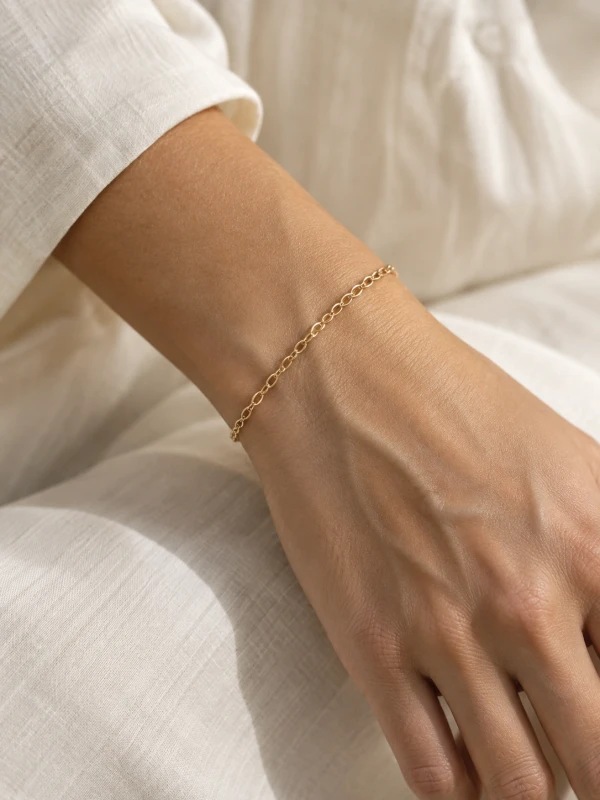
A cuff reads by where it stops on the wrist. Choose a reference with the wrist separated from the body to give your bracelet room to be seen.
The difference is in the details.
A piece is judged by proportions, not by pixels. The distance from an earlobe, the fit around a wrist, the length against a neckline — these are the details a customer notices first.
MADE FOR PRODUCT PAGES
A virtual jewelry try-on places a piece onto a person in an existing photo and returns it as a new photograph. For brands and designers, that means showing a product on a wrist, neck, ear or hand without booking a shoot.
A live camera filter follows your face. Here, a product photograph and a selected model reference become a still image you can inspect and download.
A hoop reads by the distance it hangs from the lobe. A cuff reads by where it stops on the wrist. A pendant reads by the length of its chain against a neckline.
Jewelry brands and designers who need a piece shown on a real wrist, neck, ear or hand without a shoot — and sellers building a consistent collection.
The piece sharp, well lit, on a plain ground, filling the frame. Our model references are grouped by the part that wears the piece — choose a category before browsing.
A packshot from your store is a good starting point. Show the full outline, avoid obstruction and keep highlights from hiding metal and stone details.
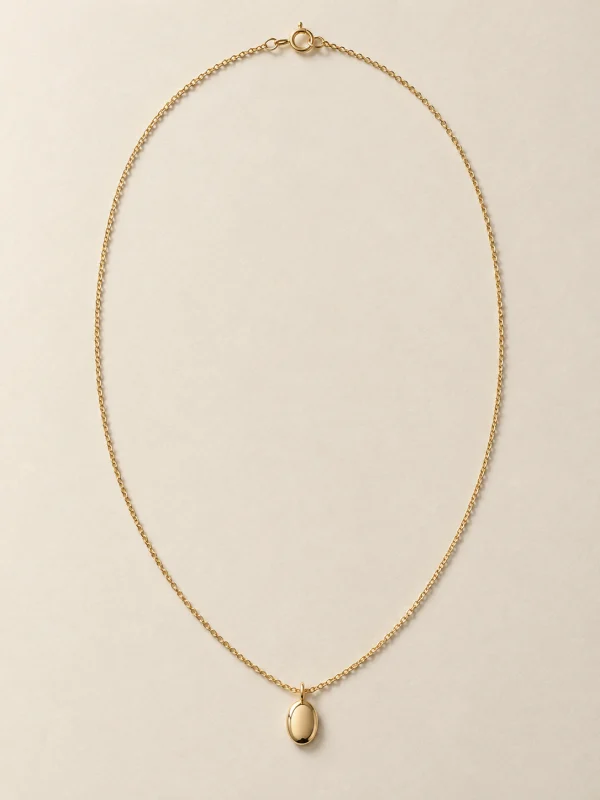
A traditional jewelry shoot means a photographer, a model, studio time and retouching for every piece. Keep your selected model and upload the next piece to create a consistent collection. Start with one piece and judge the result against your own listing standards.
Create the try-onUpload product photographs you have the right to use. Review generated images against the actual product before publishing. See our terms for commercial use and our privacy policy for how images are handled.
Terms of servicePrivacy policyYes. Upload a product photograph, select a model reference for that category, and generate an on-model image.
Necklaces, earrings, rings and bracelets. Each category has its own matching model library.
Currently, models are selected from the library. Custom model uploads are not supported.
Choose Rings and use a clear product photo with a close-up hand reference. Review finger proportions and stone details before publishing.
Yes. Keep the same selected model, upload another piece, and generate again. Review product details in each result.
Choose a reference with a clear wearing area. Existing jewelry may affect the result; check for remnants in the finished image.
Make sure you have the rights to your uploaded photographs and follow our terms of service. Review product details before commercial publication.
Browsing models and previewing your product locally does not require sign-in. Generation and downloads use your signed-in account and available credits.
No shoot · No model booking · No Photoshop