Virtual try-on for shoes
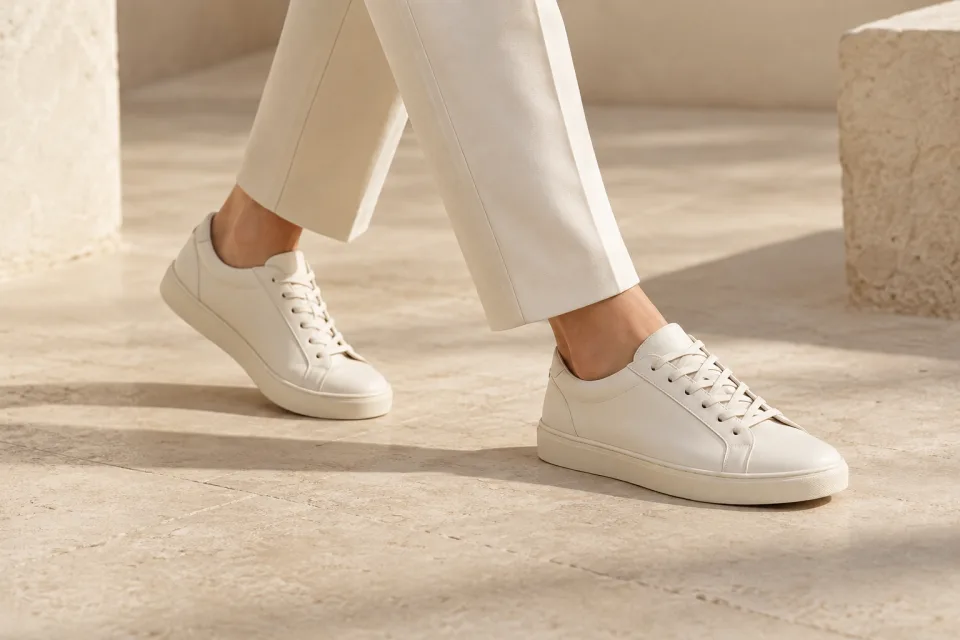
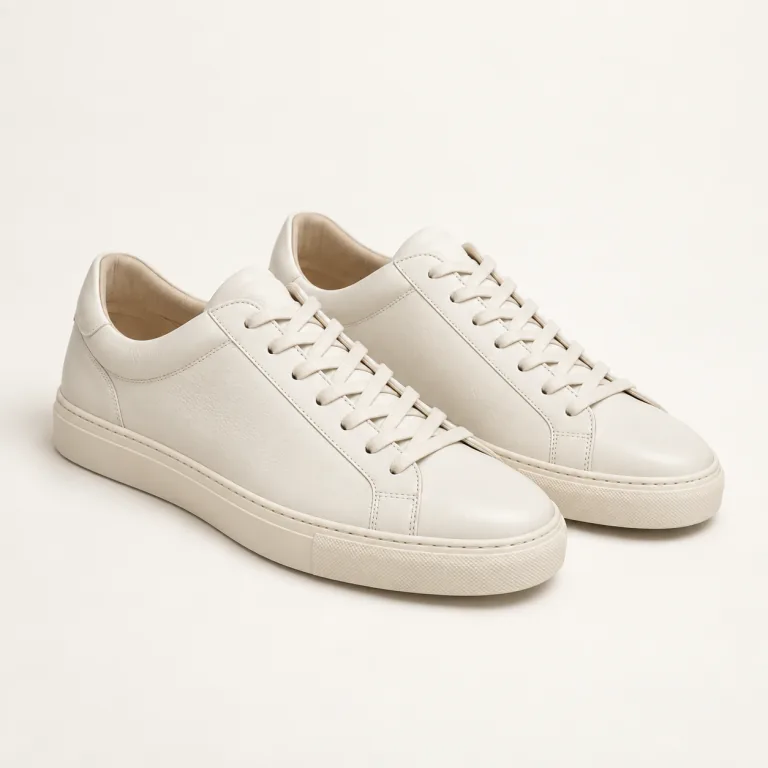
From a product photo to an on-foot shot. Show the sole, stitching and texture in context.
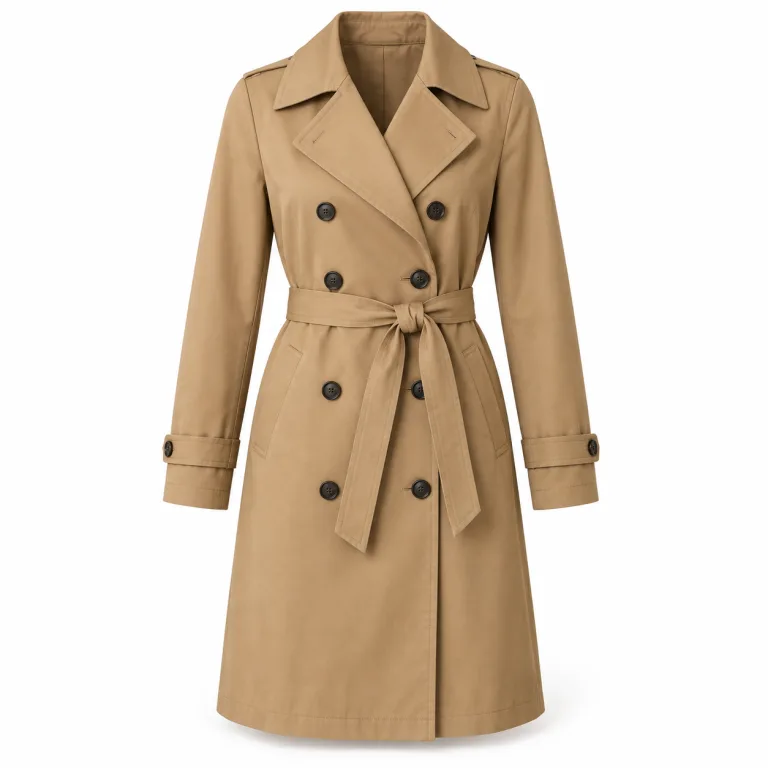 Example product
Keep the focus on your product’s cut, texture and color.
Choose models and settings that fit your brand.
Create fresh images for product pages, lookbooks and social — and turn stills into an AI product video.
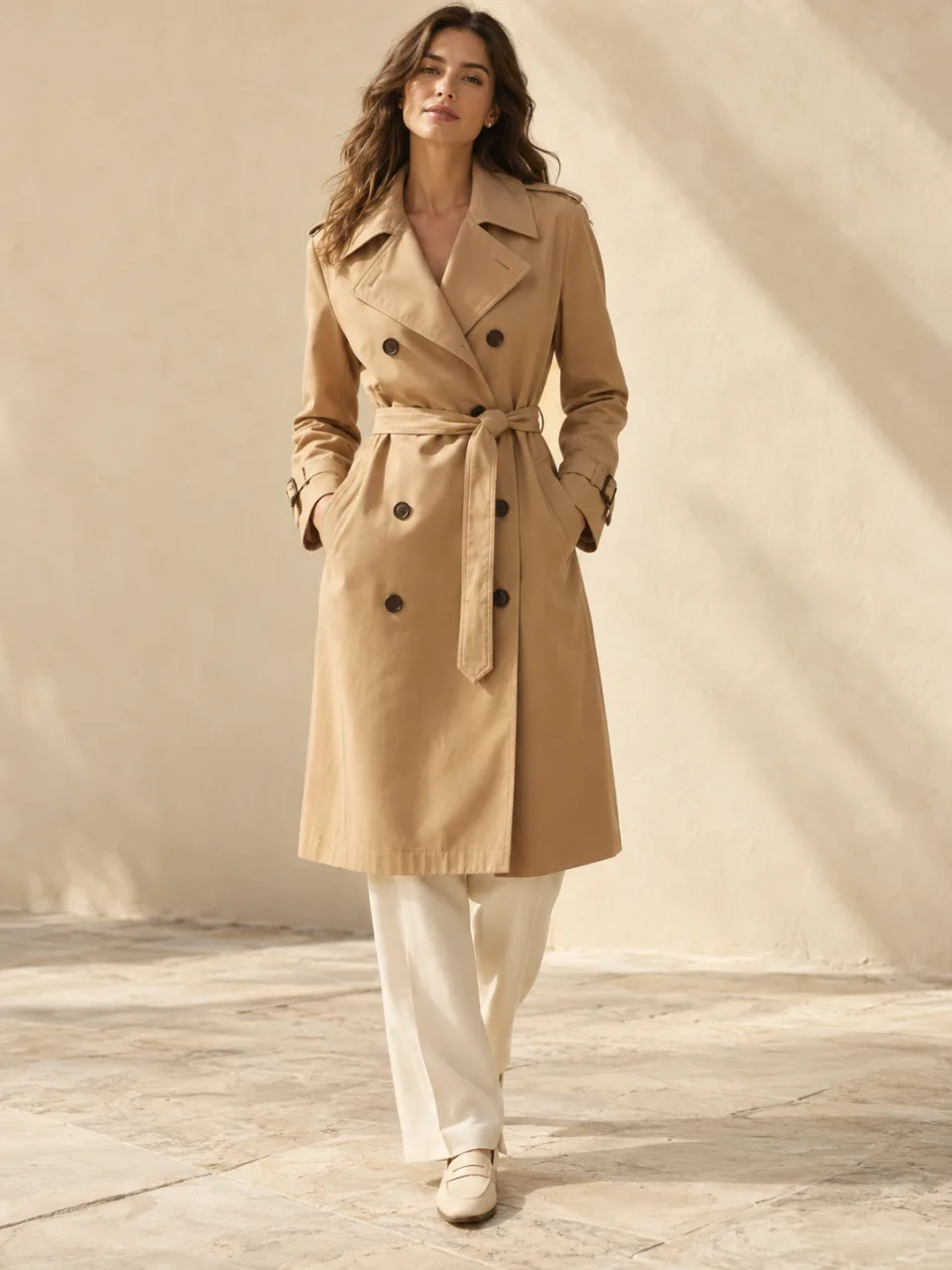
Upload the photos you already have — flat lays, hanger shots, mannequin or on-model. Choose the model, pose and setting, then review the cut, stitching, print and color against your original.
From a product photo to an on-foot shot. Show the sole, stitching and texture in context.
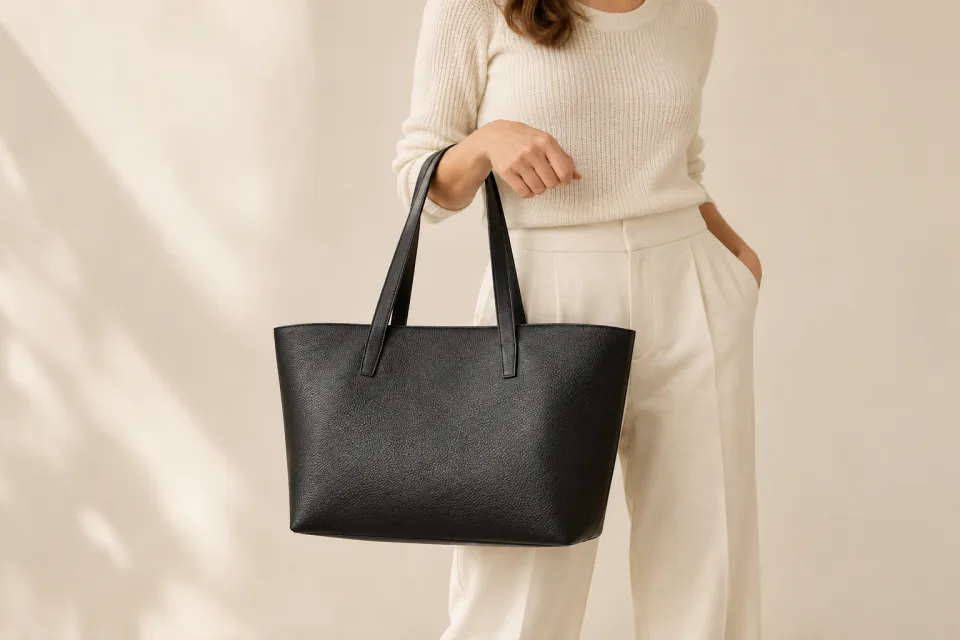
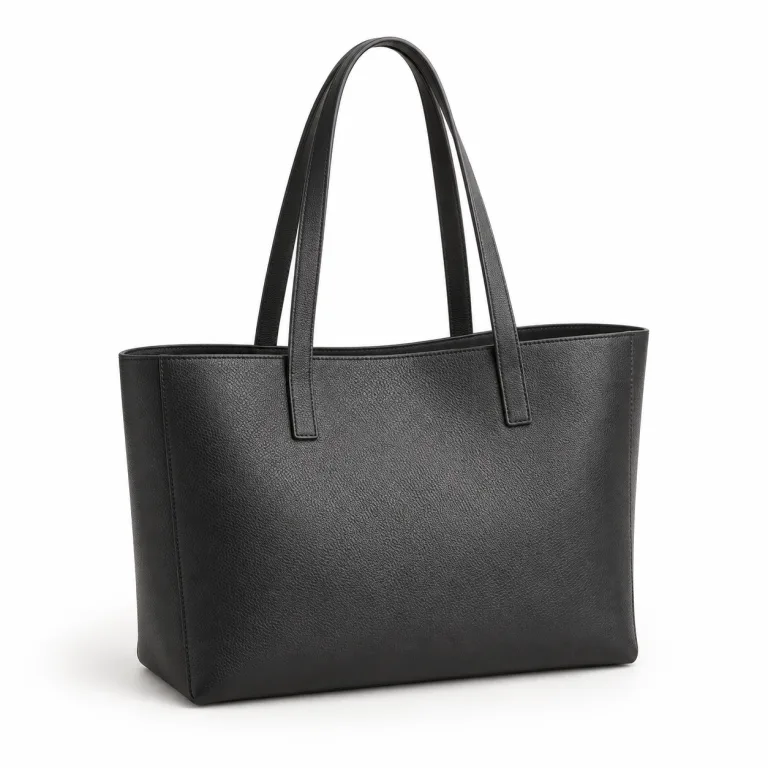
Show the shape, hardware and scale of your bag, carried naturally or on a clean background.
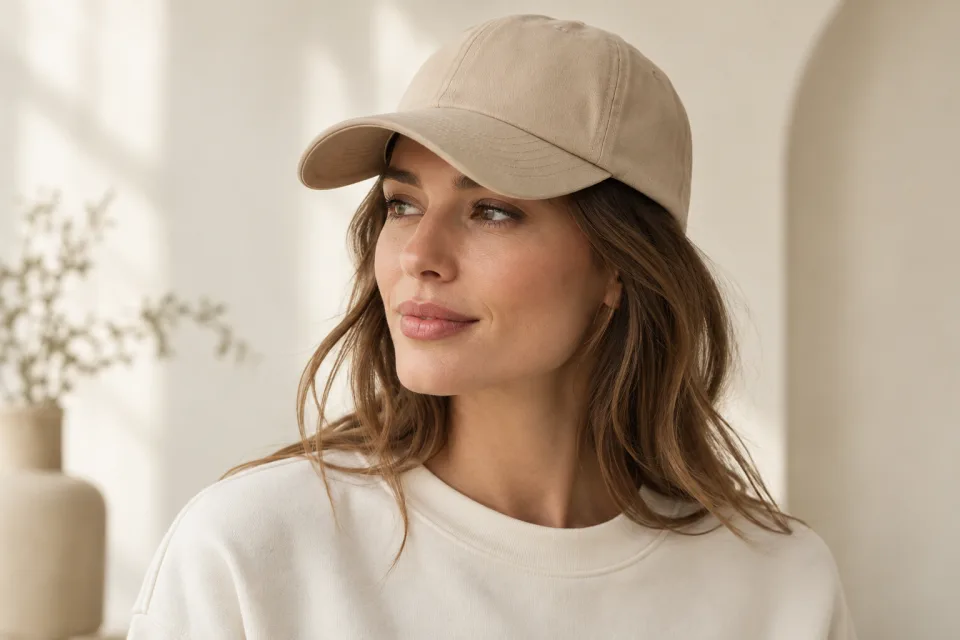
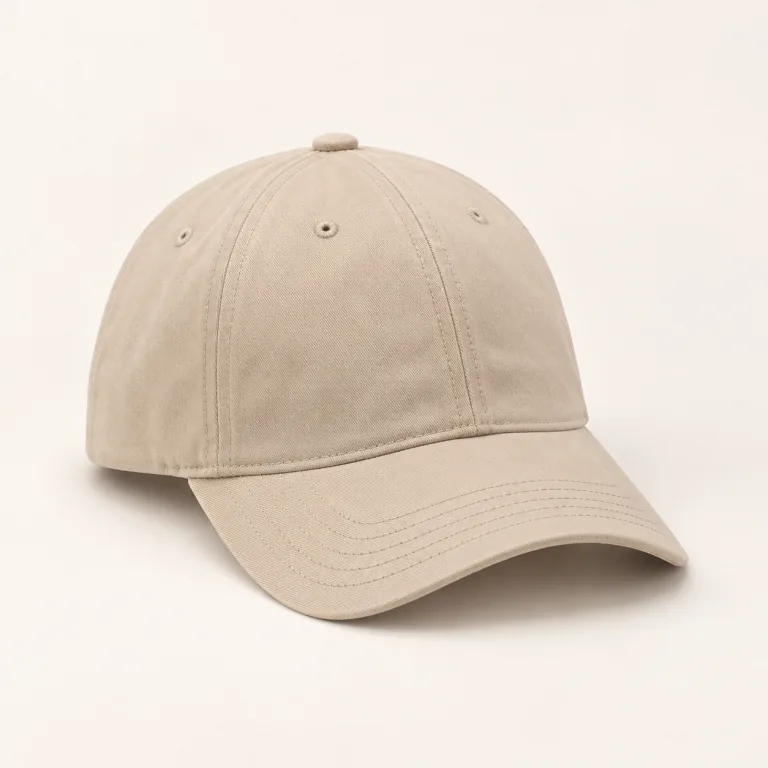
Bring the brim, crown and woven details into focus with a close-up on-model view.
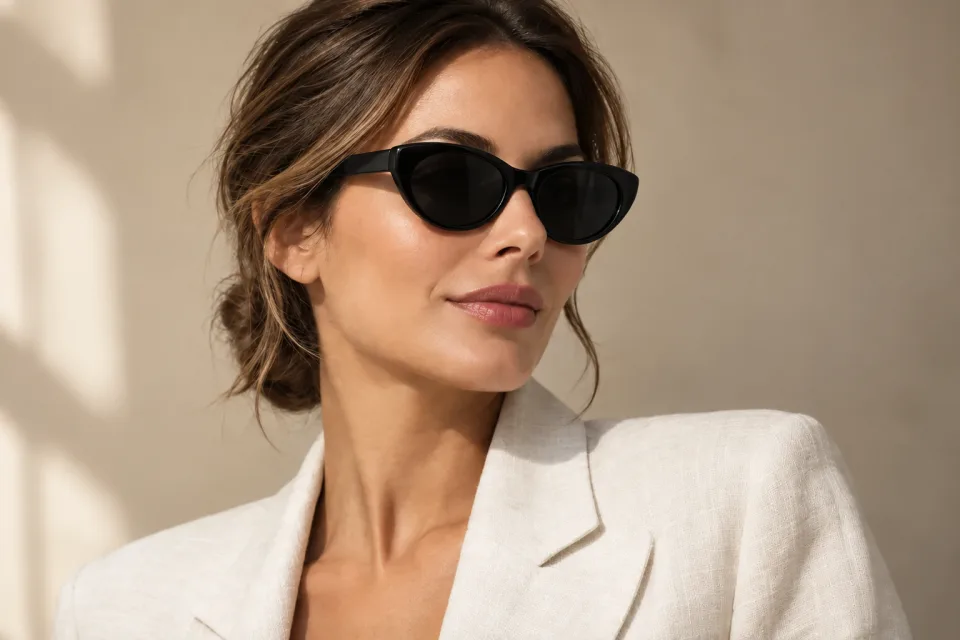
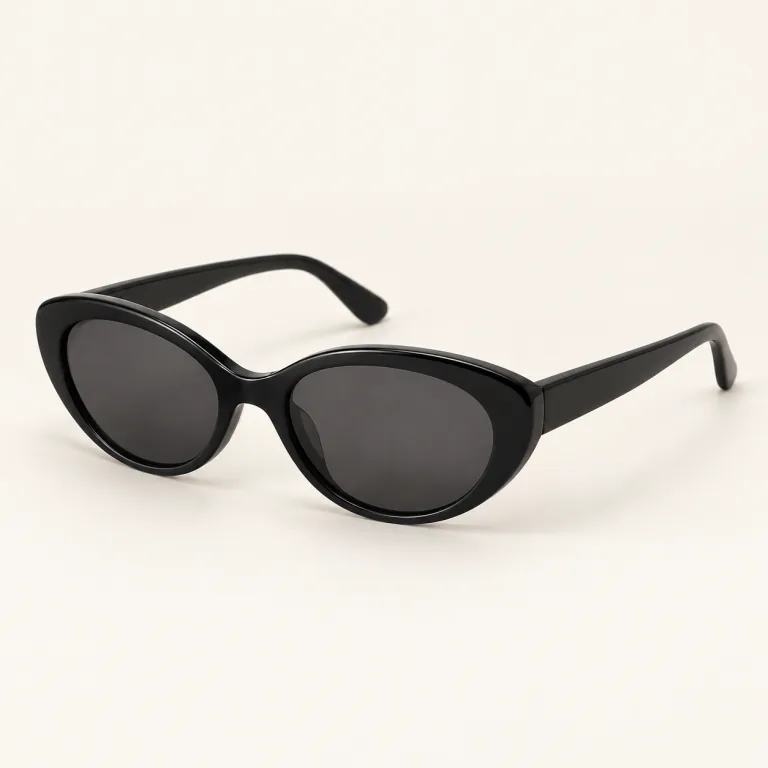
Show frame shape and fit with clean lighting. Review lens reflections before publishing.
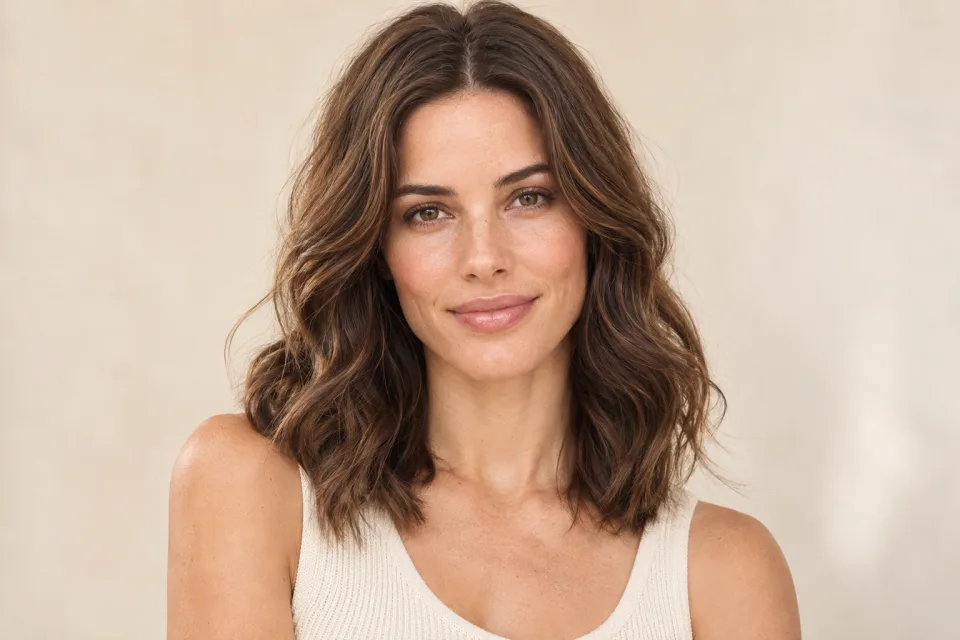
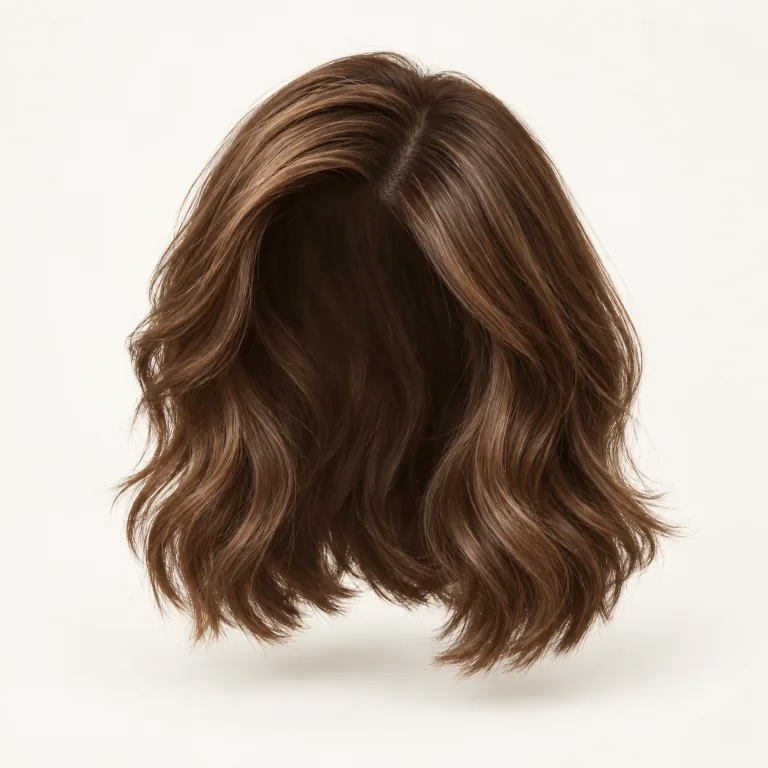
Present hair color, shine and texture with a natural-looking hairline and part.
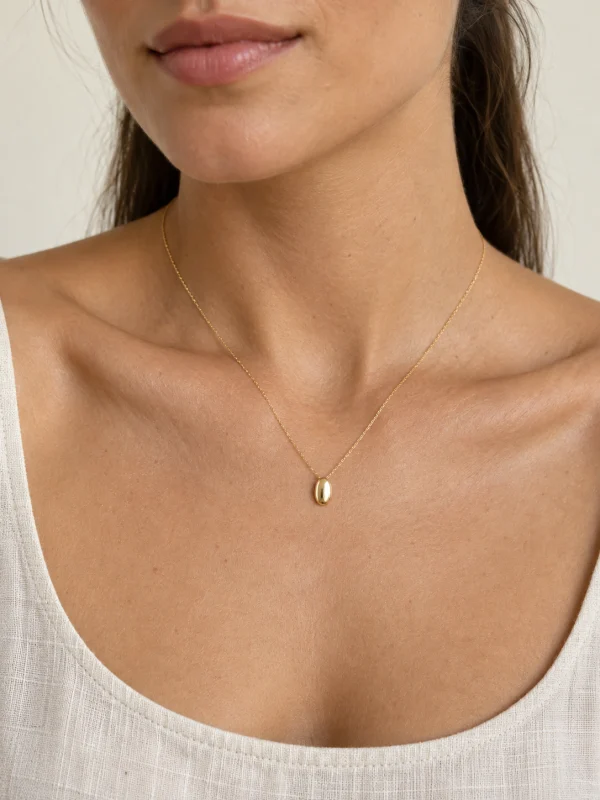
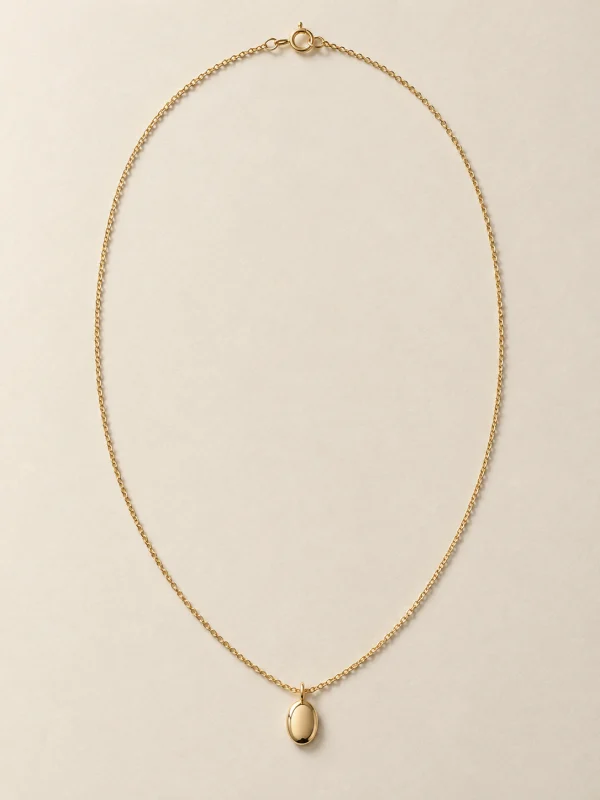
Put necklaces, earrings, rings and watches on a model with a virtual jewelry try-on.
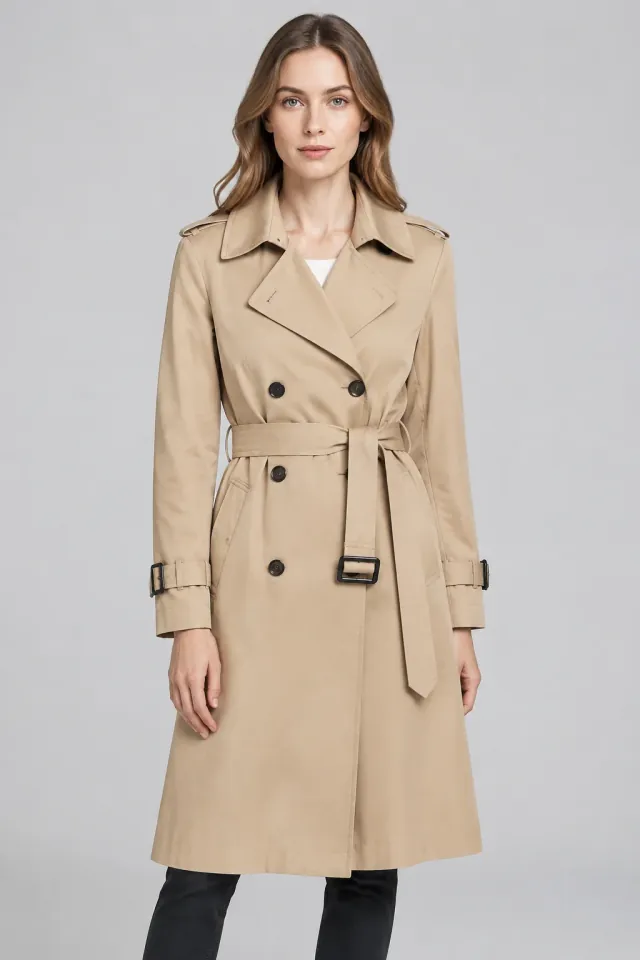
Clear flat-lay photos on a neutral table, ghost mannequin shots, or hanging garments on a simple wall produce the highest accuracy. Ensure collars, hems, and sleeves are uncreased and evenly illuminated.
Our neural drape pipeline isolates the garment mesh and locks logo typography, button hardware, and fabric weave patterns. We composite the model around your clothing rather than hallucinating new clothes.
Upload one product photo at a time. To show a coordinated outfit, include the items together in a single clear image, then review the generated result.
Yes. You have 100% full commercial rights to publish all generated images on Shopify, Amazon, Instagram ads, digital lookbooks, or print packaging.
Shotelle combines industry-standard generative models—including Flux (Black Forest Labs), Nano Banana (Google Gemini-based image generation), and OpenAI GPT Image—with proprietary cloth-drape neural pipelines to deliver photorealistic on-model imagery without altering your garment’s original cut or fabric.
Yes. Upload a product photo or try a sample, then select the matching category and an available model reference. Check product color, hardware and material details before publishing.
Yes. Choose Eyewear or Wigs to see the relevant model references. Review frame fit, lens reflections, hairline and part in the finished image.
Choose Other and try your image with the clothing workflow. Results depend on the product and source photo.