Choose your starting point
Write a prompt to create a new image, or upload a photo to guide your edits.
For product photos, portraits & creative campaigns
Create from a prompt. Refine with a reference. Keep the details that make an image yours.
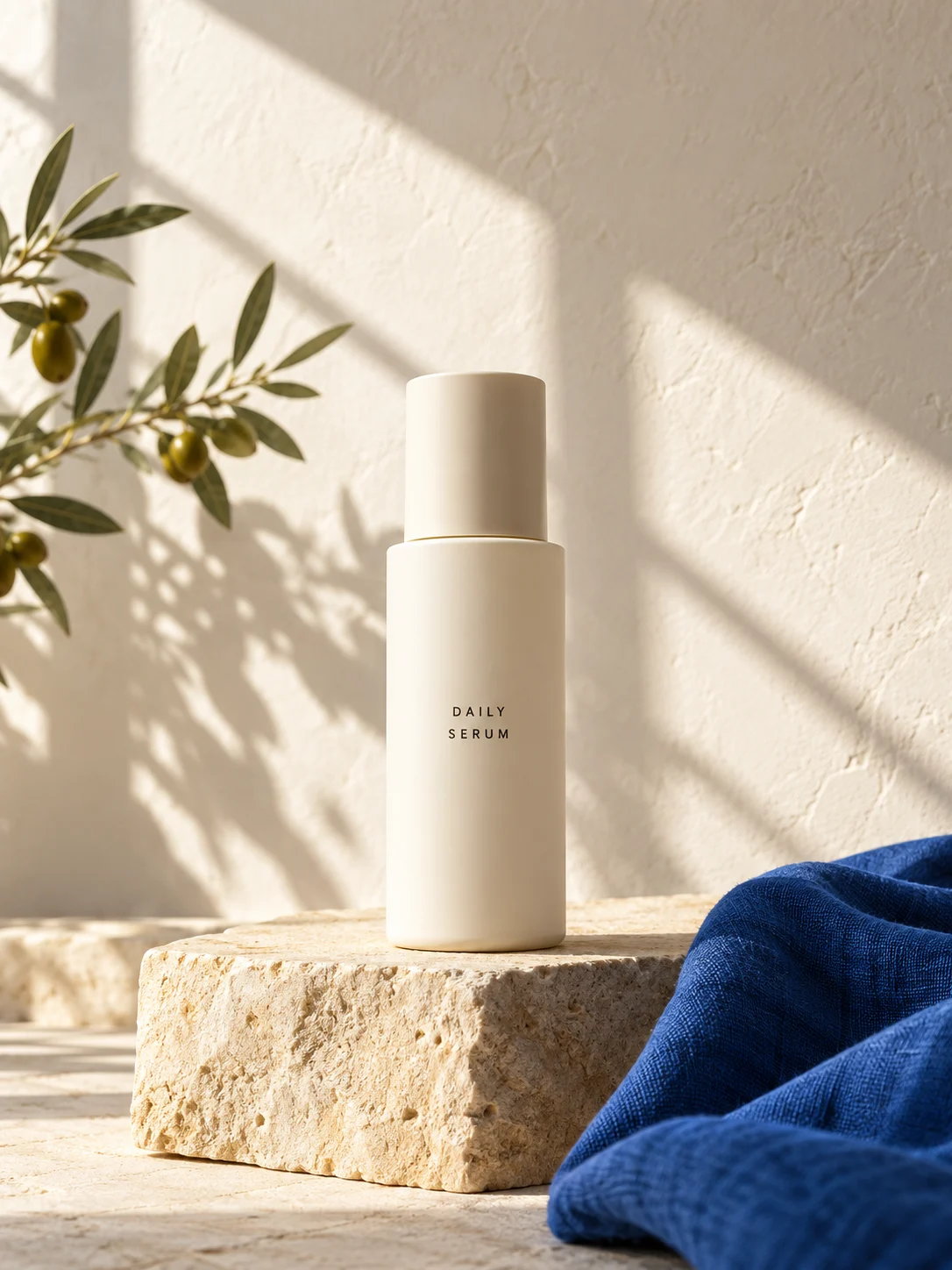
Nano Banana 2.1 brings image generation and conversational editing into the same workflow. Start with an idea, bring your own references, and describe the details you want to change.
Guide the subject, style and composition with words and images.
Describe a new background, a different color or a small adjustment.
Choose the image size that fits your project.
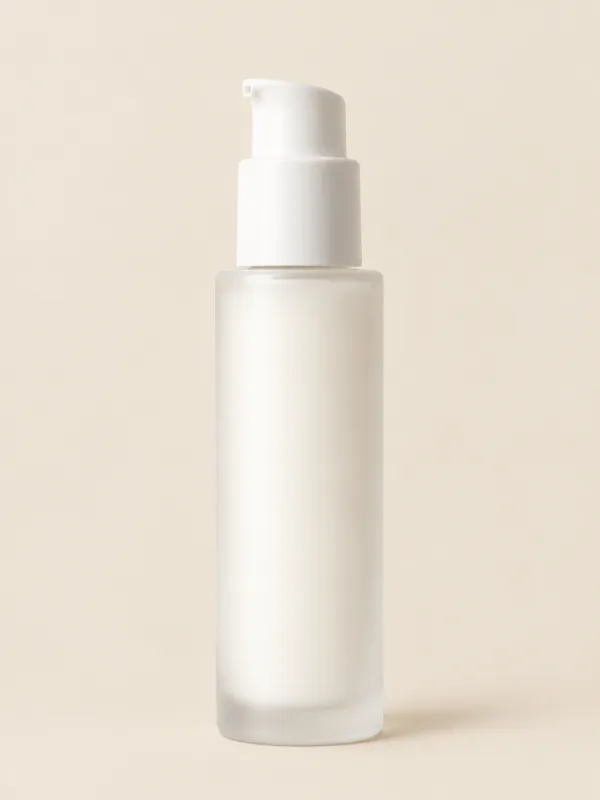
Your reference sets the starting point. Describe a new setting, lighting or composition, and specify which details should stay the same.
Comparison shows a design concept, not a tested model edit.
Write a prompt to create a new image, or upload a photo to guide your edits.
Specify the subject, setting and light. Say what to keep and what to change.
Check the details, adjust your instructions and choose the version you want to use.
Explore the kinds of visual briefs you can bring to an image generation and editing workflow.
Explore lighting, surfaces and settings around your product.
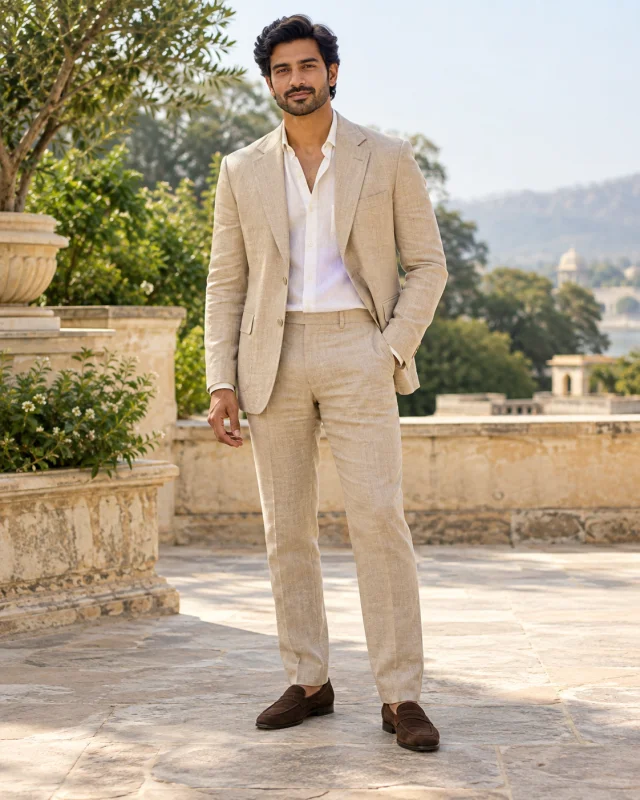
Use references to guide a recognizable subject and visual style.
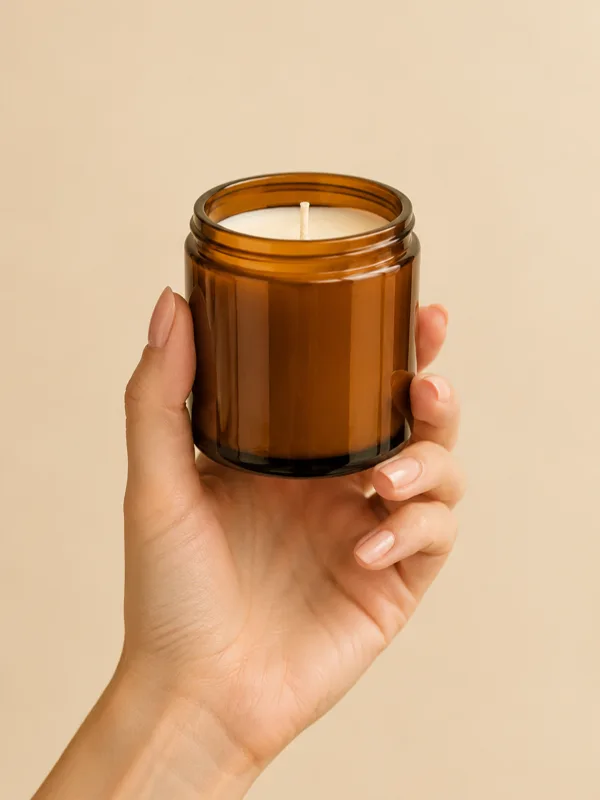
Give everyday objects a setting that fits your creative direction.
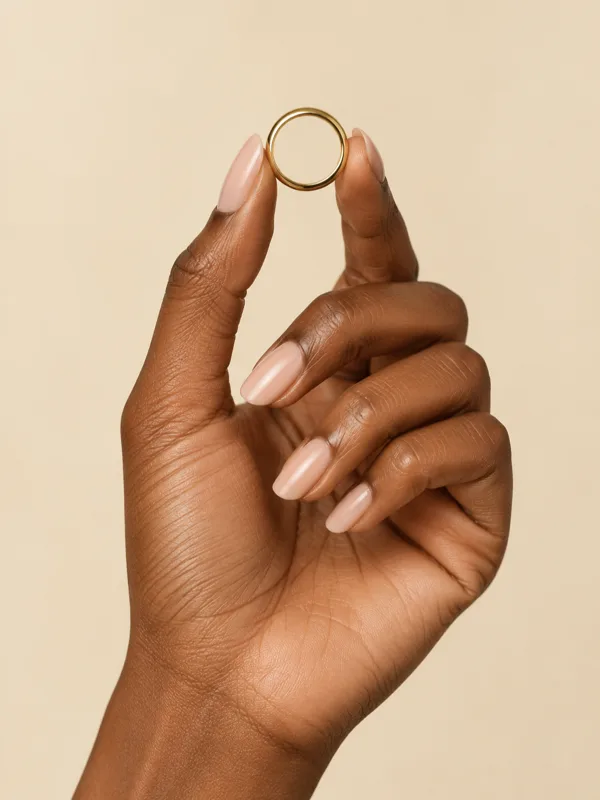
Focus your brief on materials, color and small visual details.
Gallery images are illustrative photography, not model generations.
About the model, references and the creative workflow.
It is Google's image generation and conversational editing model, identified as gemini-nano-banana-2.1. You can use text and image references to guide an image or refine it through further instructions.
Yes. The text-to-image workflow starts from a written prompt. Reference images can help guide the appearance of a subject or the style of your image.
They give the model a visual starting point for subjects, objects and composition. Describe which features to preserve and review the result carefully.
Google documents 1K, 2K and 4K output. Choose the resolution in the editor and the generation requests that image size.
Yes. Sign in, describe your image and generate with account credits. Each generation is charged in credits; failed generations are refunded automatically.