Sneakers
Check the laces and sole edges.
Remove the background from your product photo. Check the cutout, then download a transparent PNG or a white-background image.
Shotelle is an online background remover for product photos. Upload one JPG, PNG, WebP image, then download a transparent PNG cutout or a white-background PNG. It works in a mobile or desktop browser without an app. Processing requires sign-in and 1 credit per photo.
Sign in to process your photo · 1 credit per photo. Explore illustrative samples without an account.
or choose a file · JPG, PNG, WebP · up to 20 MB
Your photo is uploaded only when you request processing. Privacy policy
Reviewed 2026-10-04
Explore six illustrative pairs. Open a sample to inspect it at full size. These images show the intended workflow, not measured tool performance.
Check the laces and sole edges.
Look inside the handle loop.
Check the fabric edges and print.
Check hair and fuzzy knit edges.
Check fine edges · Shooting tipsCheck the label and bottle outline.
Fine chains and holes need a closer look.
Check fine edges · Shooting tipsChoose a JPG, PNG, WebP image with the whole product visible. Sharp focus and good contrast make edges easier to separate.
Sign in, check the credit cost and request background removal. Compare the result with the original; zoom in on edges, holes, labels and shiny surfaces.
Use a transparent PNG for designs, or a white-background image for product listings.
| Input | JPG, PNG, WebP |
|---|---|
| Max upload | 20 MB · 24 MP for local preview |
| Output | Transparent PNG · White PNG (#FFFFFF) |
| Export size | Samples: 1254 × 1254 px. Processed output size is shown in the result panel. |
| Price | Sample downloads are free. Processing costs 1 credit per photo. |
| Sign-up | Sign in to process photos. Samples and local previews need no account. |
| Your uploads | Processing uploads the selected photo to the service. See the privacy policy. |
Both come from the same cutout. Pick the one that matches where the image is going.
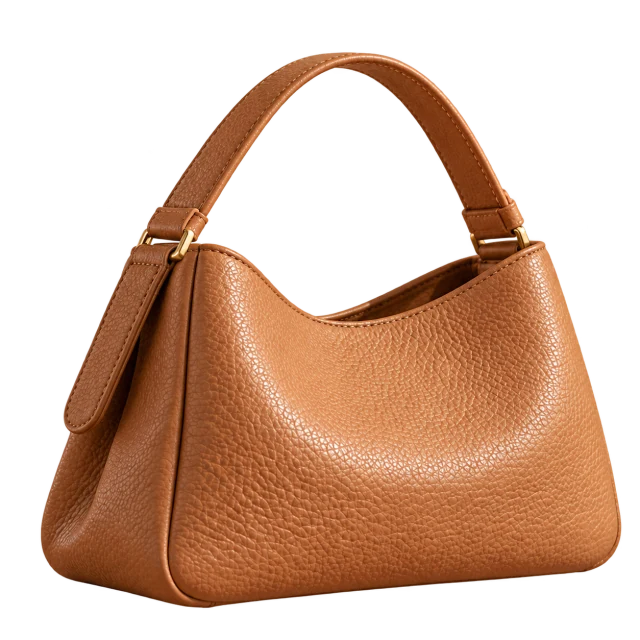
For designs, catalogs, banners and layering. The PNG has a real alpha channel; the checkerboard is only a preview.
For product pages and listings that ask for white. A solid #FFFFFF background is added behind the cutout and saved as PNG.
White is added behind the cutout, using the same transparent image. Check for light halos around dark edges and keep the whole product in frame. Marketplace requirements vary by category; review the current rules before publishing.
Amazon image requirementsChoose an output for where your photo will be used. This page processes one photo at a time; inspect the result before publishing.
For shoes, bags, apparel and cosmetics, remove a distracting background and download a solid #FFFFFF PNG for your product listing. Check the destination’s file format, dimensions and category rules; this tool does not set marketplace-specific dimensions or guarantee marketplace approval.
Download the transparent version to place the product on a banner, catalog layout or another background. The PNG contains a real alpha channel; the checkerboard is only a preview. Inspect handle holes, fine chains and fabric edges before layering.
Use your phone’s browser to choose a static JPG, PNG, WebP photo, sign in and process it. No app installation is required. Uploads are limited to 20 MB and 24 MP; convert HEIC to JPG first. A sharp, fully visible product on a contrasting backdrop is easier to inspect.
Clear focus, contrast and soft light make outlines easier to separate. Glass, fine chains and hair need an extra check.
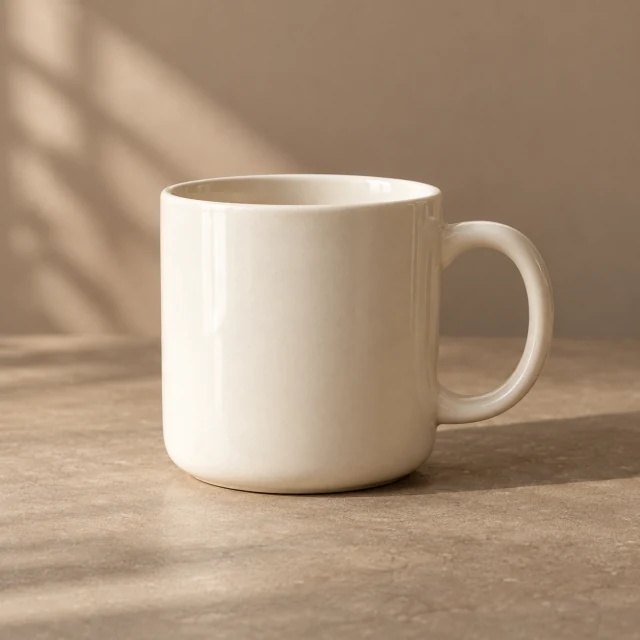
Put light products on a darker surface and dark products on a lighter one. A white bottle on a white table is hard to separate.
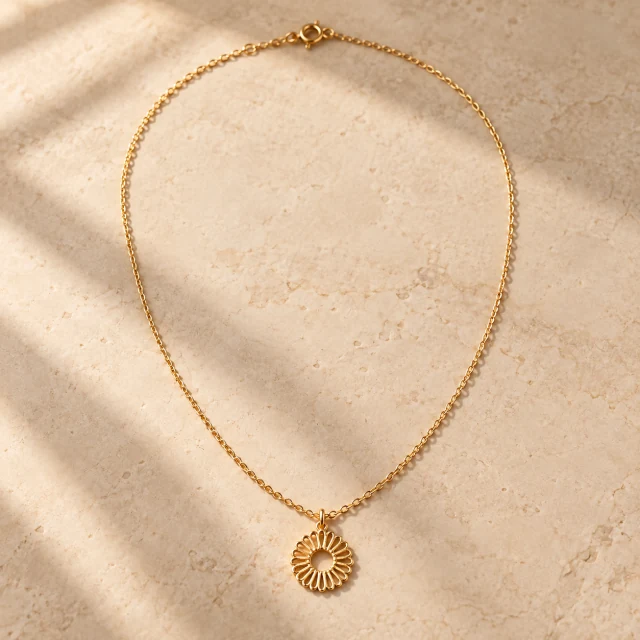
Shoot near a window or use diffused light. Hard shadows can be mistaken for part of the product.
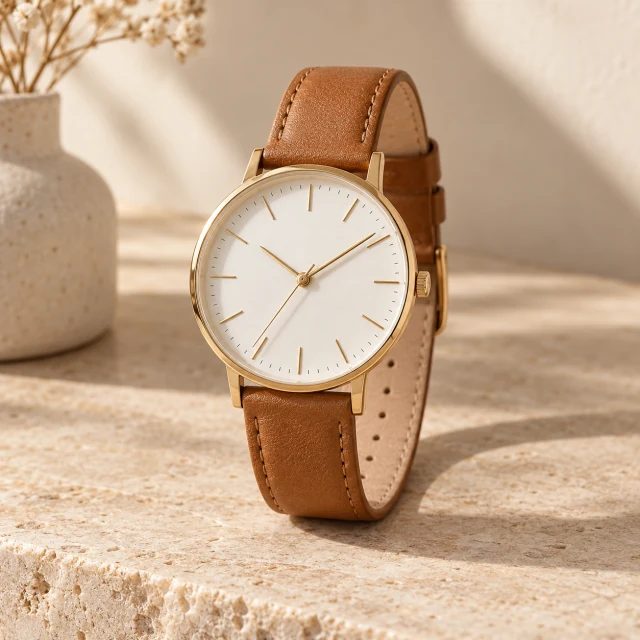
Keep the whole product in focus and in frame. Motion blur and cropped edges leave fuzzy or missing outlines.
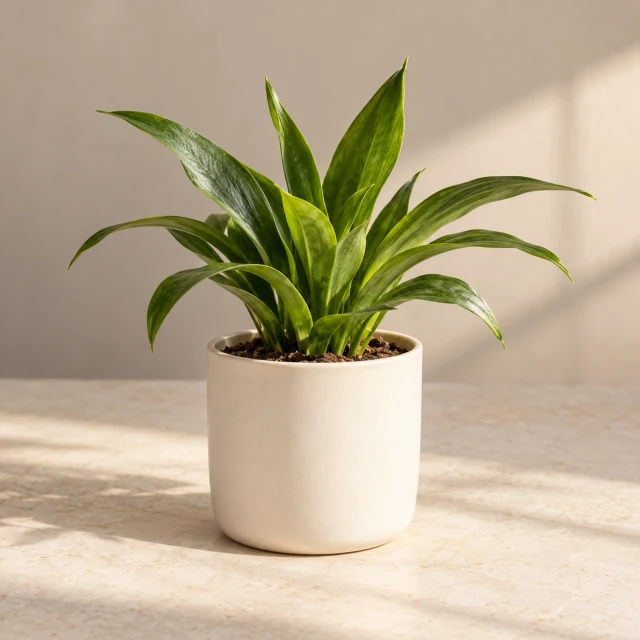
Hands, stands or clips touching a product can be cut unevenly. Photograph one product at a time.
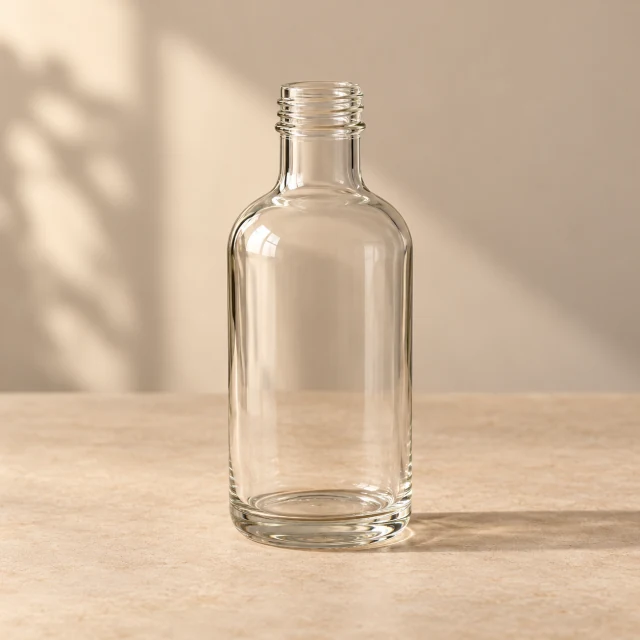
The old background can show through glass or reflective areas. Check at full size; reshoot on a plain backdrop if needed.
A plain, contrasting backdrop helps with thin necklace links, stray hairs and fuzzy knits. Inspect these details before use.
Reviewed 2026-10-04
Illustrative sample downloads are free. Removing the background from your own photo requires sign-in and costs 1 credit per photo. Credit plans and one-off top-ups are listed on the pricing page.
Sign in before processing your photo. Viewing samples, downloading sample PNGs and previewing a local photo do not require an account.
Open this page in your browser, tap Upload image and choose a JPG, PNG, WebP photo to preview it. Sign in, request removal, then inspect and download the result. Export HEIC as JPG first; there is no app to install.
Transparent downloads are PNGs with a real alpha channel, so you can place them on another background. The checkerboard is not saved in the file. JPEG cannot store transparency.
Sample PNGs are 1254 × 1254 pixels. They are AI-generated illustrations; subject details can differ between the two images. The processed image dimensions are shown in the result panel; check fine details before use.
You can download the processed cutout on a solid #FFFFFF background. Acceptance depends on your marketplace and category. Check its current image requirements before publishing; a white background alone does not guarantee approval.
These materials need careful review: transparent parts may show the old background, and very thin chains or hair can lose detail. The samples are illustrations, not a quality benchmark. See the shooting tips above.
Selecting a photo creates a local preview. Processing sends it to the service and its processing provider. Downloads require your signed-in session. See the privacy policy for data handling; a specific deletion deadline is not promised here.
Privacy policyBackground removal uses your account’s credit balance and costs 1 credit per photo. A subscription is not required if you have enough credits; one-off top-up options are listed on the pricing page.
This page processes one photo at a time. Download the result, then choose Upload another image for the next photo. Multiple-file uploads and batch processing are not available in this workbench.
Sign in to process · 1 credit per photo