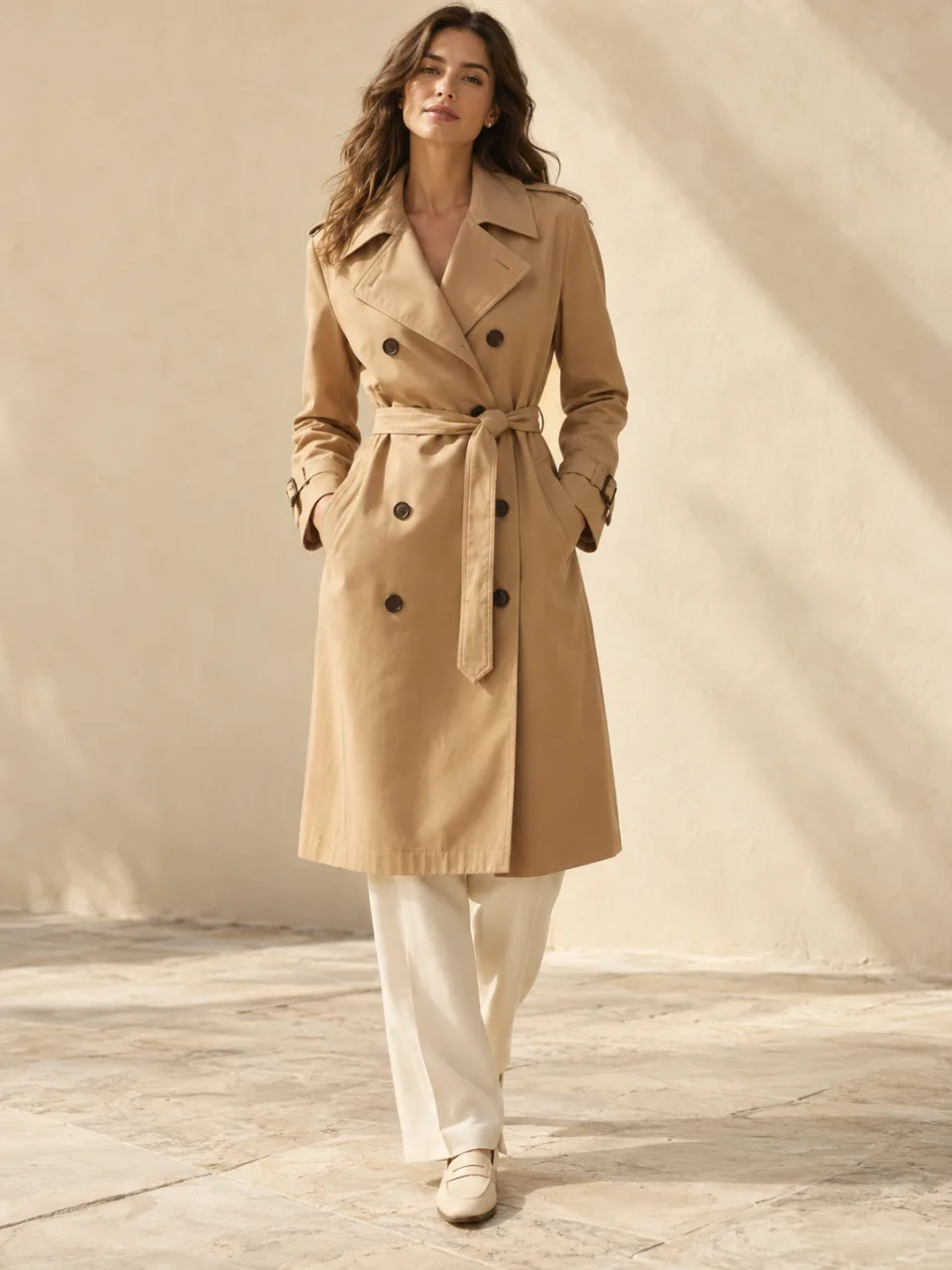
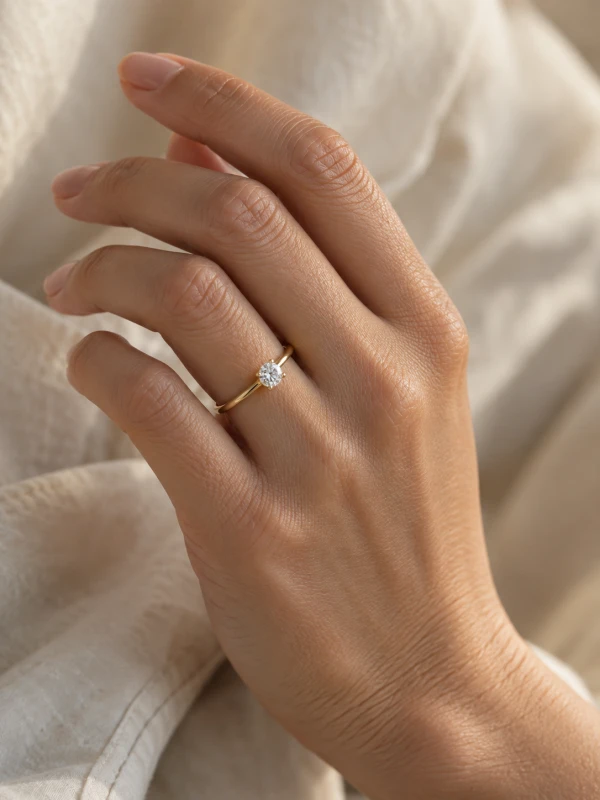
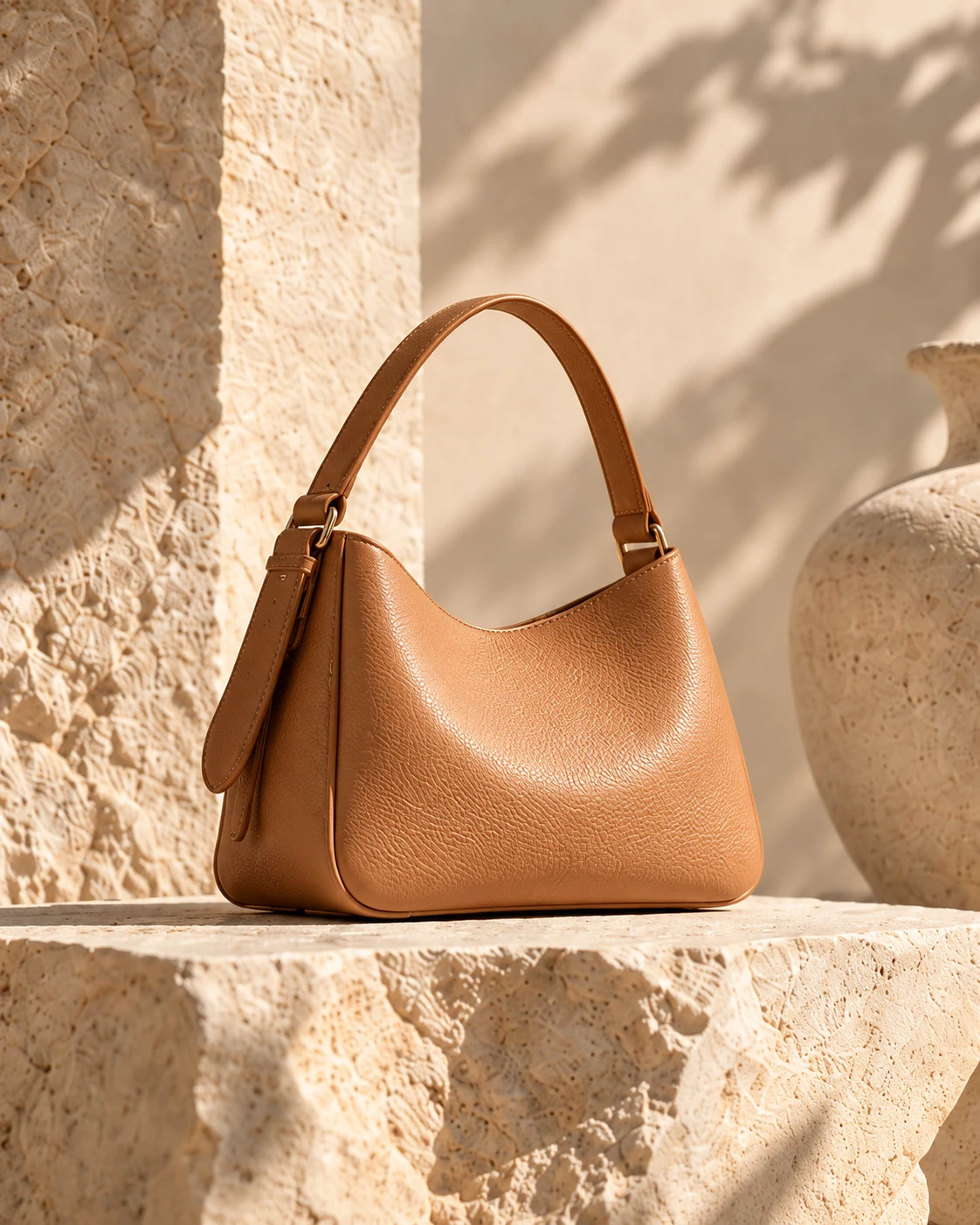
Upload your product photo
A clean shot of the product on its own, sharp and well lit. Photograph it roughly from the angle it will be held at.
For ecommerce sellers, brands & ad creatives
Show your product held in a real hand — no hand model, no studio, no booking.
Upload your product photo and choose a hand from our model library.
This is not a filter on your selfie. It starts from your real product photograph and returns a photograph you can list.
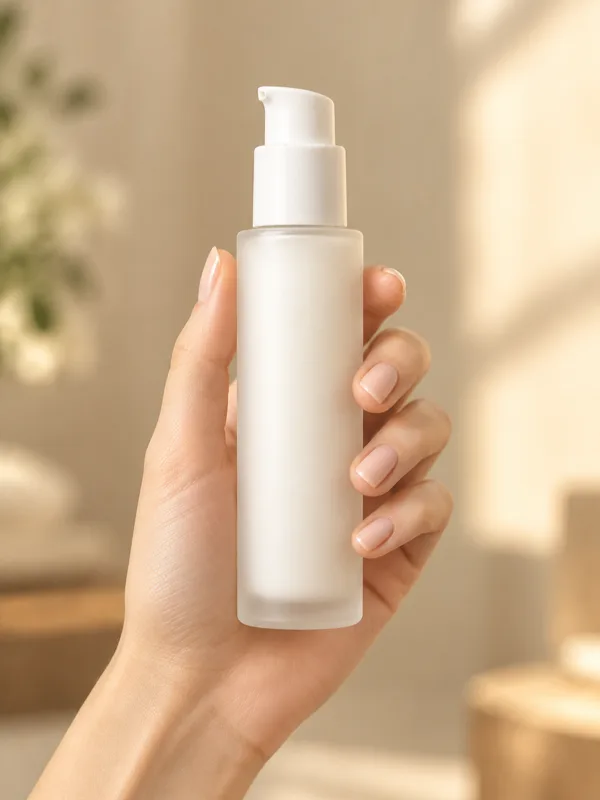
Your product photo + a hand from the library → one listing-ready image.
A clean shot of the product on its own, sharp and well lit. Photograph it roughly from the angle it will be held at.
Browse the library and pick a hand that fits your brand — every entry shows a real grip holding a sample item.
Your product is placed into the selected hand with matched light and perspective. Download the finished image and check it against your original before publishing.
Product-in-hand photography shows your item gripped, held up or balanced in a person’s hand — the framing that communicates size, weight and texture at a glance. An AI hand model photo starts from your real product photograph and places it into a selected hand model shot, returning a new photograph.
A traditional hand model booking means casting, day rates, a studio and shipping your samples — and doing it again for every new angle or product. This starts from the product photo you already have and returns a finished in-hand shot in minutes.
A hand is the most scrutinized object in product photography: finger count, nail shape, knuckle creases and grip pressure are all things viewers check without realizing. That is why this works from a library of real hand model photographs instead of fully generated hands.
Sellers of small products — cosmetics, jewelry, gadgets, accessories — who need size-and-grip shots for listings and ads without booking a hand model for every SKU.
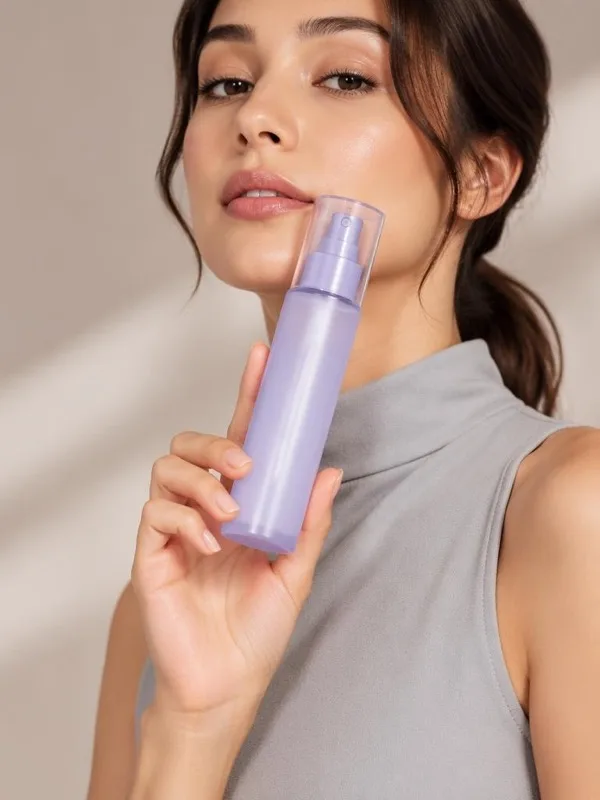
Bottles, tubes and droppers read best held near the face or at chest height — the library’s beauty grips keep the label toward camera.
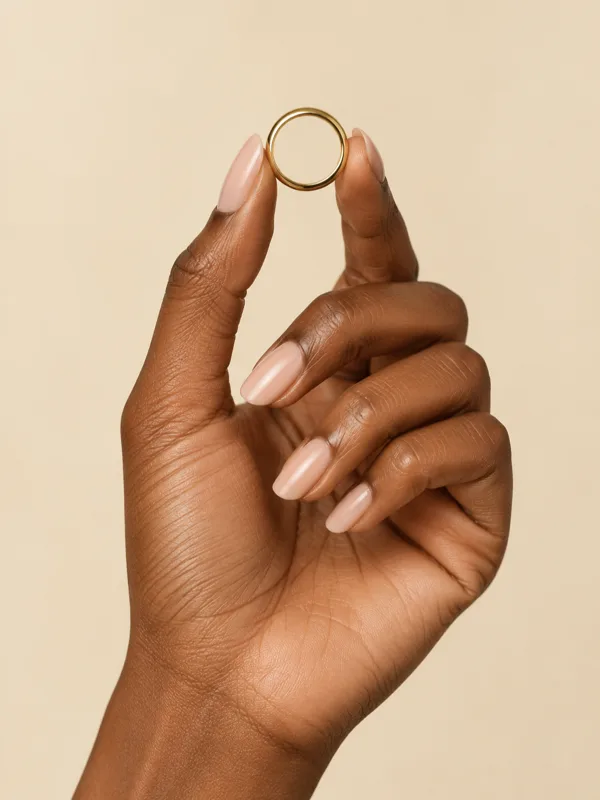
Rings and bracelets can be held or worn. If the piece belongs on the body rather than in the palm, use the jewelry try-on workflow instead.
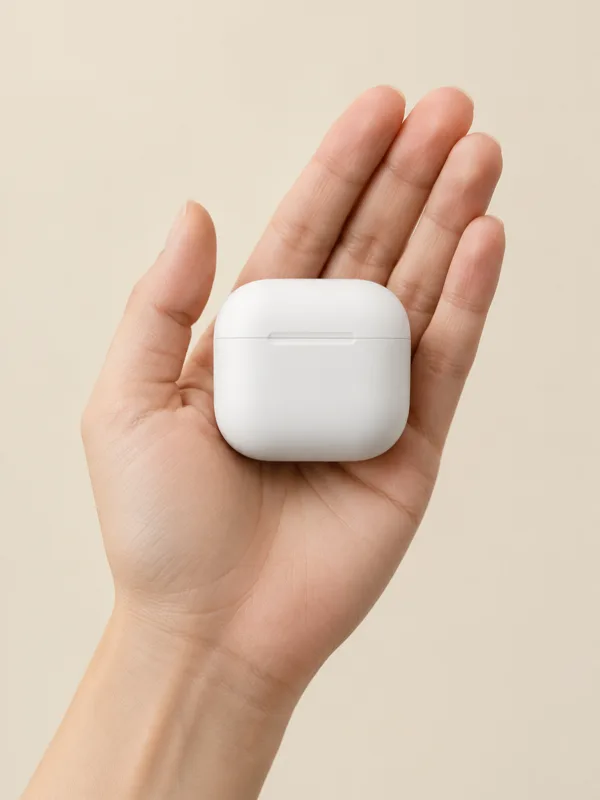
Earbuds, chargers, watches and small accessories communicate scale in a palm. Small, one-hand-held items work best here.
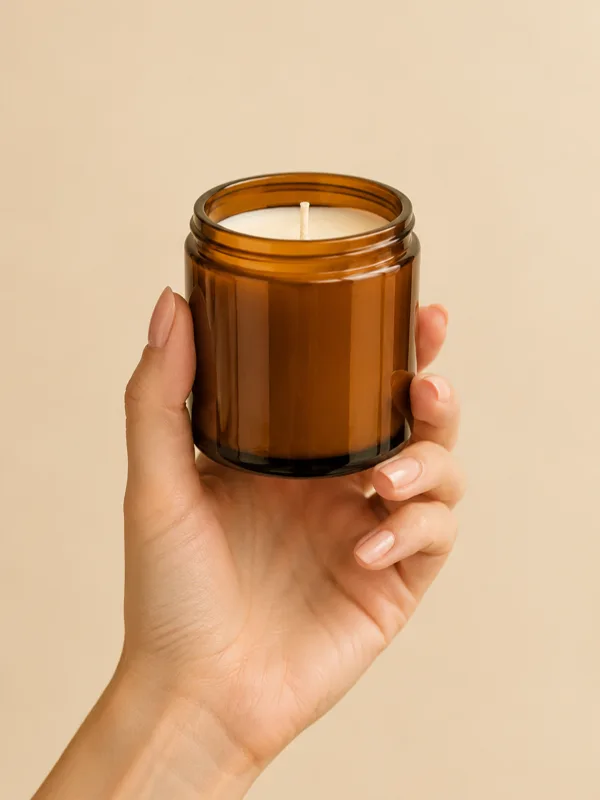
Candles, mugs and small decor items benefit from a hand for scale — the difference between a product shot and a context shot.
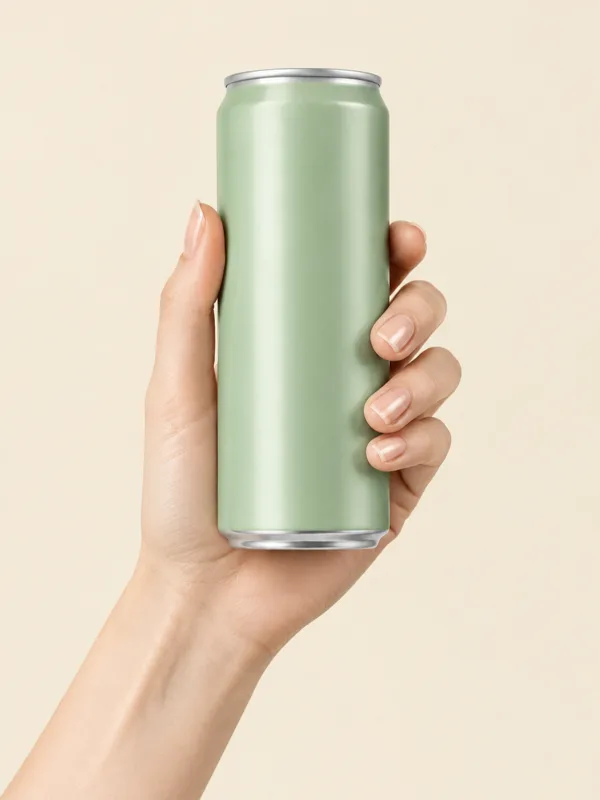
Packaged foods and beverages read as lifestyle the moment a hand enters the frame. Keep the label legible and the grip natural.
The library shows every hand model photograph as it was shot — the grip, the skin, the light. Pick one and reuse it across your whole catalog, so every product gets the same hand and the same look.
Every hand holds a sample item, so you see the grip before you commit.
Keep one hand across a collection for a consistent catalog look.
Skin tone, gender and nail style are all visible in the previews. No filters to configure.
Real samples from the hand model library — every grip as it was shot.
| Booking a hand model | With Shotelle |
|---|---|
| Cast and audition hand models | Pick a hand from the library |
| Book studio time and a photographer | Upload the product photo you have |
| Ship samples and wait for the shoot | Generate in minutes |
| Reshoot for every new angle | Run the same hand again |
Start with one product and judge the result against your own listing standards.
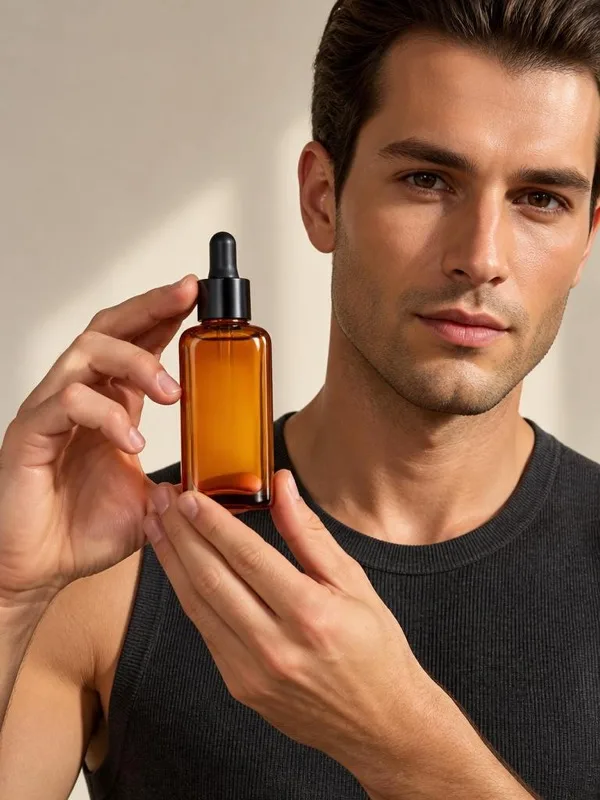
An in-hand shot answers the size question a white-background photo can’t — add it as a secondary listing image.
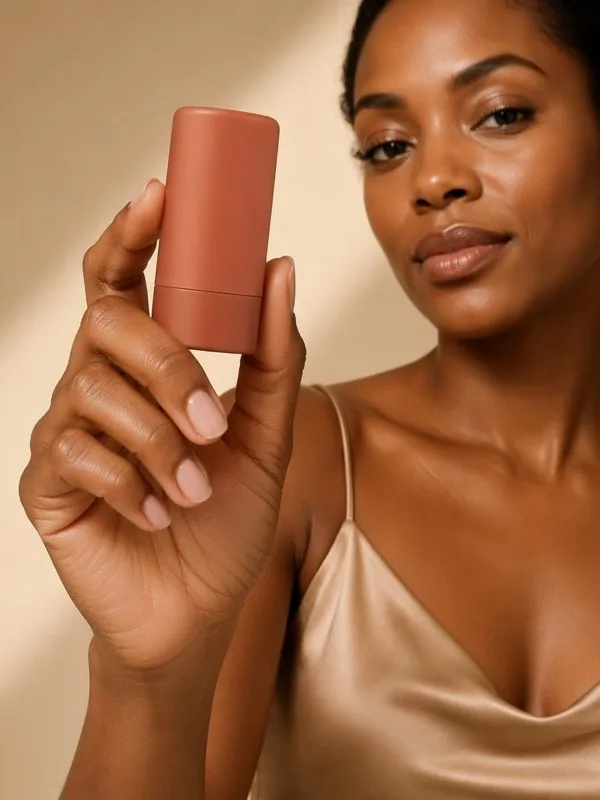
A hand-held product frame is the static version of a UGC clip. Run your product through the same hand for a consistent ad set.
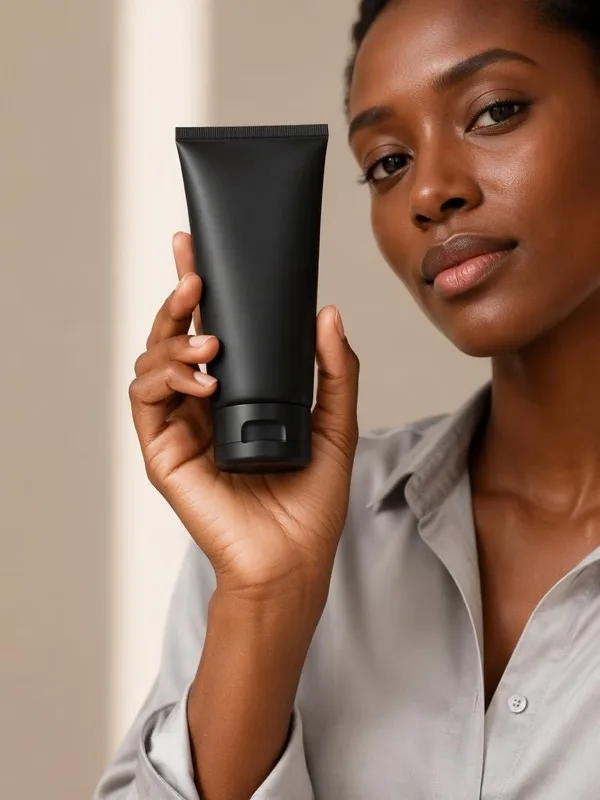
Use in-hand shots next to packshots to show scale where it matters.
Scale and perspective are matched to the selected hand model photo, which is shot at holding distance — that is what keeps the product believable in the grip. Always check the result against your original product before publishing.
Not currently. Hands come from the built-in library, so the grip and lighting are known to work. Upload-your-own-hand support may come later.
Yes, visually. Every hand in the library is shown as photographed, so you pick the one that matches your brand directly from the previews.
Items that fit in one hand: cosmetics, jewelry, accessories, earbuds, chargers, packaged food and similar small goods. For clothing worn on the body, use the AI fashion model studio instead.
No special background needed — a clean, well-lit photo of the product on its own works best. The hand model photo provides the scene.
Yes — images you generate are yours to use in listings, ads and on your product pages, under our terms of service.
Browsing the hand library and previewing your product locally does not require sign-in. Generation and downloads use your signed-in account and available credits.
If a generation task ultimately fails, the credits it consumed are returned. You can retry with another hand or another product photo.
No hand model · No studio · No editing