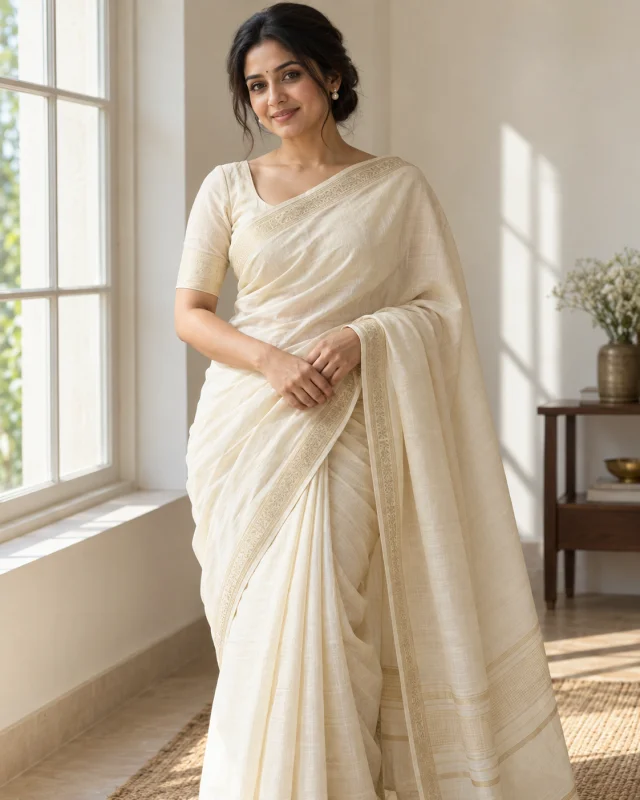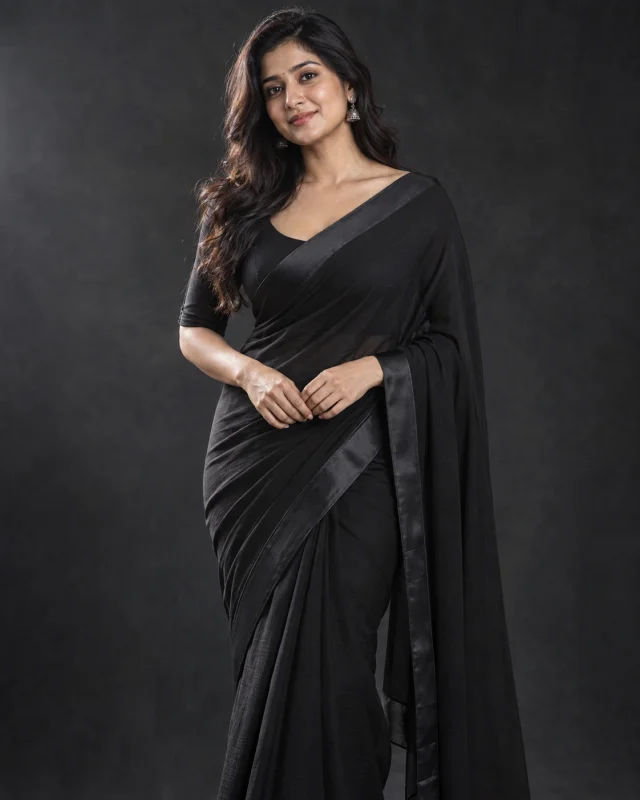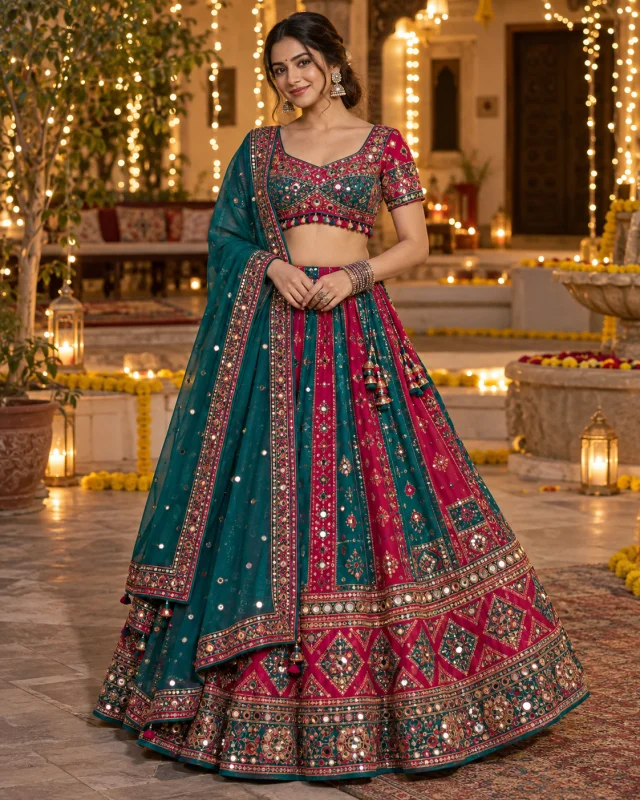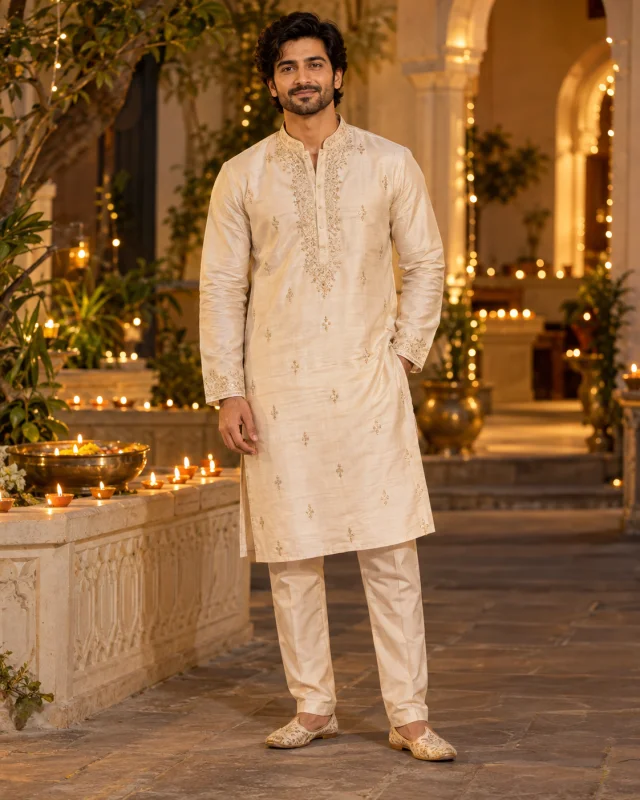
OUTFIT PHOTO PROMPTS

Editing by Vikas–Inspired AI Photo Prompts

Give your photo a new outfit and setting. Explore 10 original prompts for sarees, festive portraits, tailored suits and streetwear—then copy a look to try in Gemini or ChatGPT.

Free to copy No Shotelle account needed

Original prompts by Shotelle. This collection is independent of Editing by Vikas.

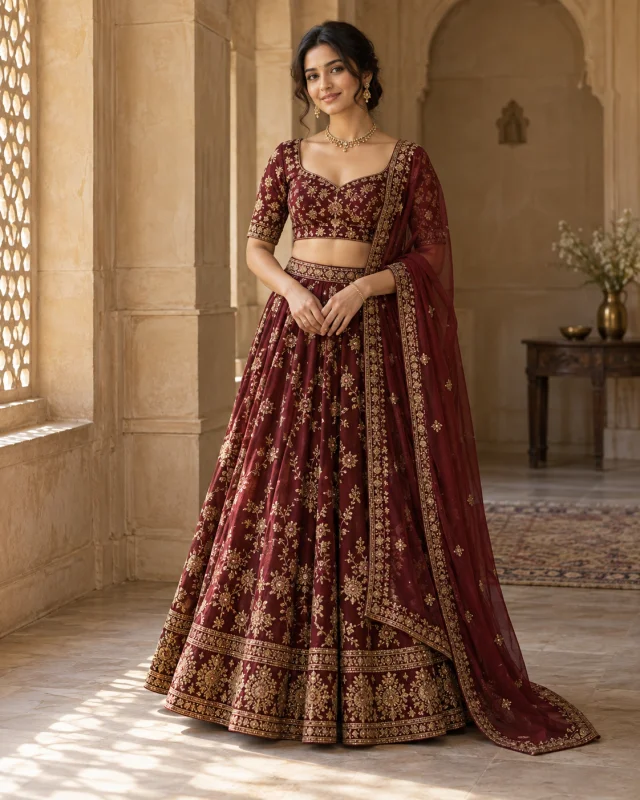
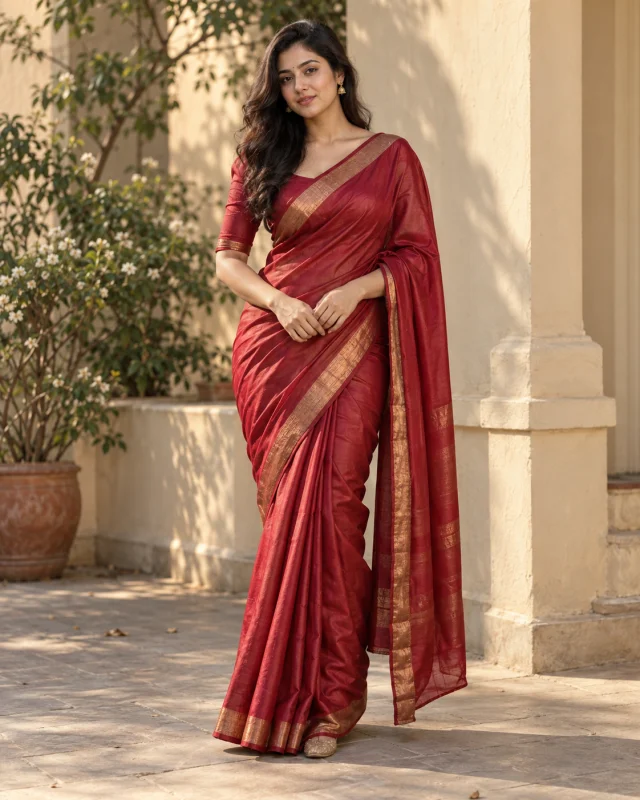
AI-generated portrait in a red silk saree with a gold border beside a cream courtyard wall.
Red Silk SareeAI-generated style example
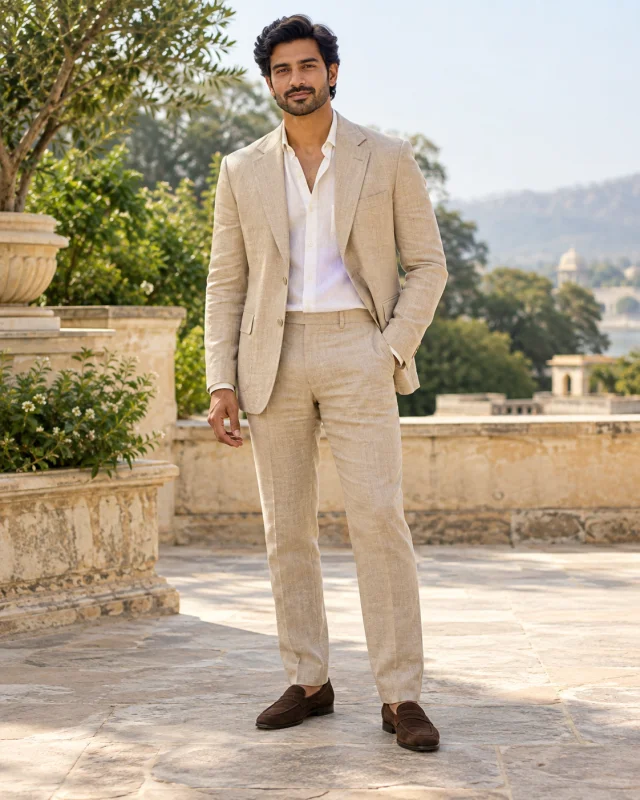
AI-generated portrait in a beige linen suit with an ivory shirt on a stone terrace.
Old Money Linen SuitAI-generated style example
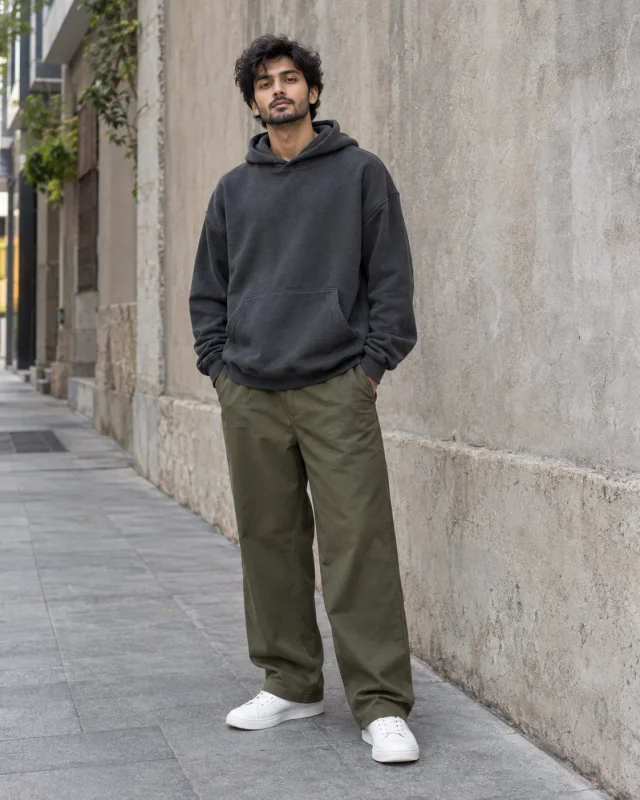
AI-generated streetwear portrait in a charcoal hoodie and olive trousers beside a concrete wall.
Oversized StreetwearAI-generated style example

Start with the look you like. Each prompt describes the outfit, setting and light, so you can change the details before you edit your photo.

How to Use These Prompts in Gemini or ChatGPT

Start with your own photo, then tell the image editor what to change.

  1. Choose a clear photo

    Pick a well-lit photo with one person and a clear view of the face. Use a waist-up photo for portrait looks or a full-body photo when you want to show the whole outfit.

  2. Upload and paste

    Open Gemini or ChatGPT with image editing available. Upload your photo, copy a prompt from this page and paste it into the same conversation. Change any outfit or background details before you send it.

  3. Review and refine

    Check the face, hands, fabric and clothing edges. If something looks off, ask for one specific correction at a time. Save the image once you are happy with the result.

Image editing availability and generation limits depend on the tool and your account. Copying these prompts on Shotelle is free.

Make the Look Your Own

Keep the photo-editing instructions and change the outfit or setting. Start with one change so you can see what it does.

Find a Prompt to Customize
Outfit
Swap the color, fabric or garment. Try an emerald silk saree, a navy linen suit or a cream oversized hoodie.
Setting
Replace the courtyard with a studio, a terrace or a quiet street. Describe the background in one clear sentence.
Light
Choose soft window light, warm afternoon light or an overcast outdoor look. Keep one main lighting direction.
Example of customizing an outfit detail
Original detaila deep red silk saree with a fine gold border
Your variationan emerald-green silk saree with a narrow silver border

Get a Cleaner Result

Use these short follow-ups when an edit changes more than you wanted.

The face looks different

Return to the original photo and ask for a narrower edit. Keep the clothing and background changes separate if needed.

View Follow-up Prompt

Use the original uploaded photo as the identity reference. Change only the outfit. Preserve the person's recognizable facial features, skin tone, expression and face shape, and keep the original background and pose.

You can also select and copy the text above.

The outfit looks artificial

Simplify the embroidery or accessories and ask for fabric weight, seams and natural folds.

View Follow-up Prompt

Refine the clothing only. Add believable fabric texture, natural folds and clean seams. Keep the current face, pose and background, and simplify any distorted embroidery or jewelry.

You can also select and copy the text above.

The hands or clothing edges look wrong

Ask to restore the reference pose and focus on the affected area.

View Follow-up Prompt

Correct the hands and clothing edges using the original photo as a reference. Keep the original hand placement and natural anatomy. Preserve the current outfit style, recognizable face and background.

You can also select and copy the text above.

AI edits can change facial details and other parts of a photo. Check the result before you share it.

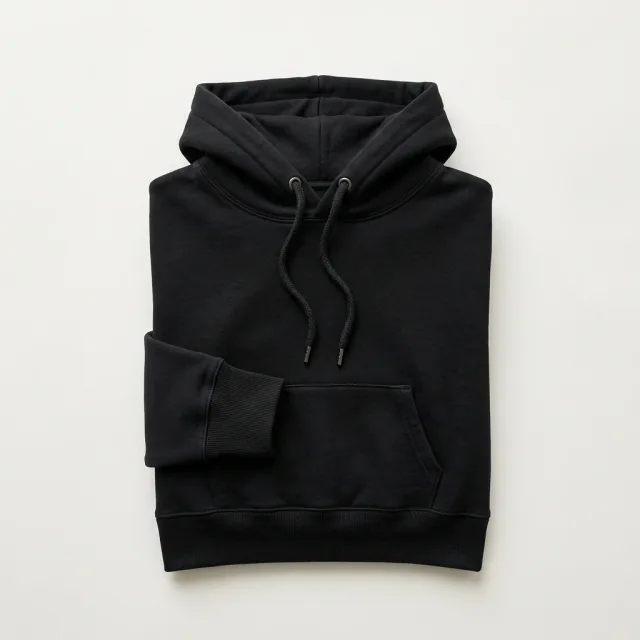
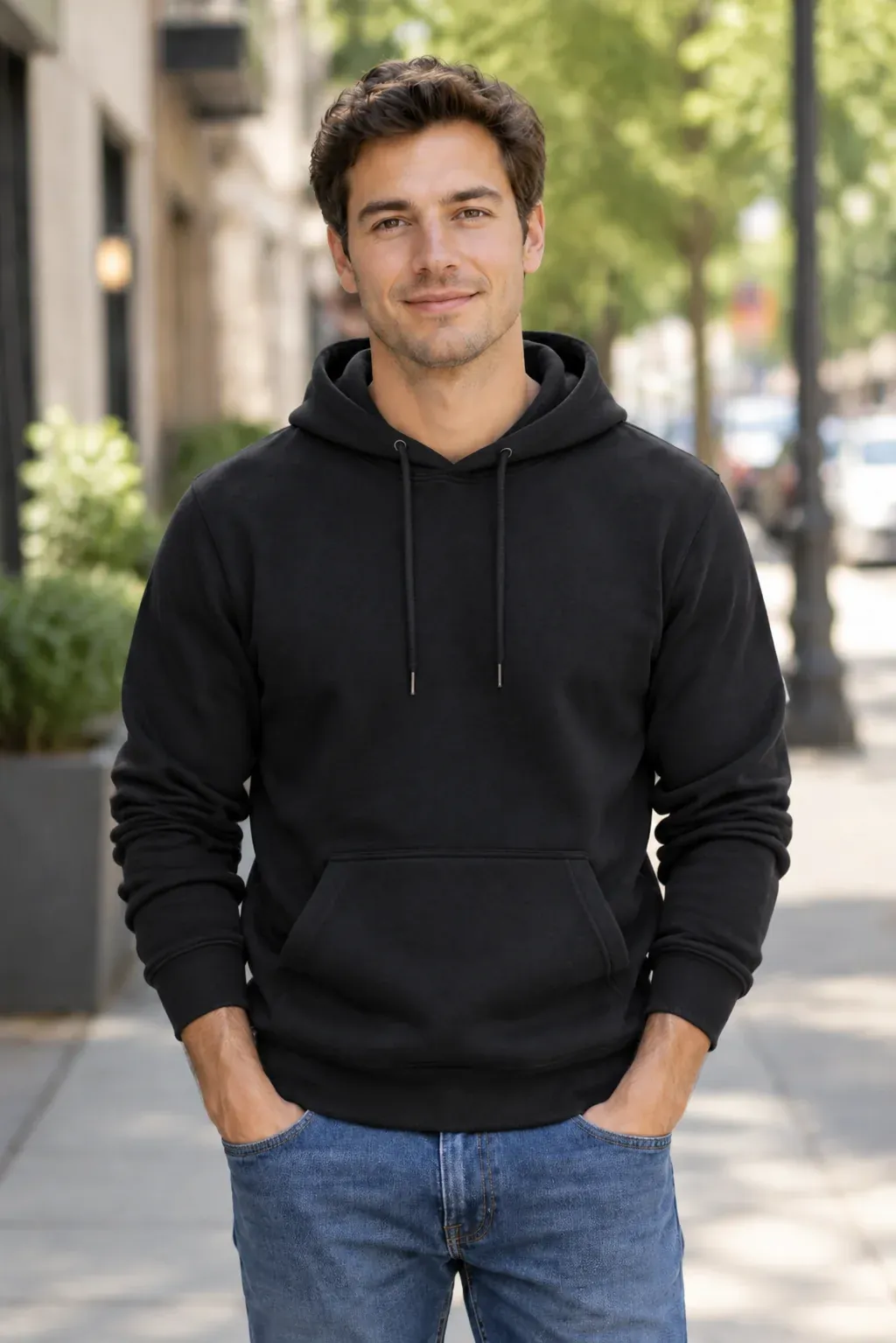
Black hoodie on a plain background
Product photo
Illustrative model wearing the black hoodie
On-model image · Example

Have a Clothing Product Photo? Put It on a Model.

For a clothing listing or lookbook, start with the garment itself. Upload a product photo to Shotelle and choose a model reference to create an on-model image.

Open the AI Fashion Model Studio

Start with a garment photo for this workflow.

Questions About These AI Photo Prompts

What does “Editing by Vikas” mean on this page?

The phrase is used for editing resources and AI photo looks associated with the Vikas name. This collection focuses on outfit portraits: sarees, festive clothing, suits and streetwear. The prompts here are original Shotelle prompts.

Is this the official Editing by Vikas website?

No. Shotelle is independent of Editing by Vikas. This page is an outfit-prompt collection, not an official creator resource or a partnership.

Are the prompts free?

Yes. You can browse and copy all 10 prompts without a Shotelle account. The tool you use to edit your photo may have its own account requirements, usage limits or charges.

Can I use these prompts in Gemini and ChatGPT?

You can try them in Gemini or ChatGPT when image editing is available for your account. Upload your photo first, then paste the prompt. Results and feature availability can differ between tools.

Will the edit keep my face the same?

The prompts ask the editor to preserve recognizable facial features, skin tone and expression. AI can still change details, so compare the result with your original photo and refine it if needed.

Can I generate the portrait directly on this page?

This page lets you choose and copy prompts. To edit your portrait, upload it in the image-editing tool you use. Shotelle’s AI Fashion Model Studio has a separate workflow for clothing product photos.

Does this page include VN codes, CapCut templates or Lightroom presets?

This collection contains text prompts for AI photo editing. It does not include video templates, VN codes or Lightroom preset files.

Choose a Look for Your Next Photo

Start with a saree, a festive outfit or a tailored suit. Copy the prompt, add your photo and adjust the details to make it yours.

Browse the 10 Prompts

Original prompts by Shotelle. AI-generated examples illustrate the described looks.

Updated