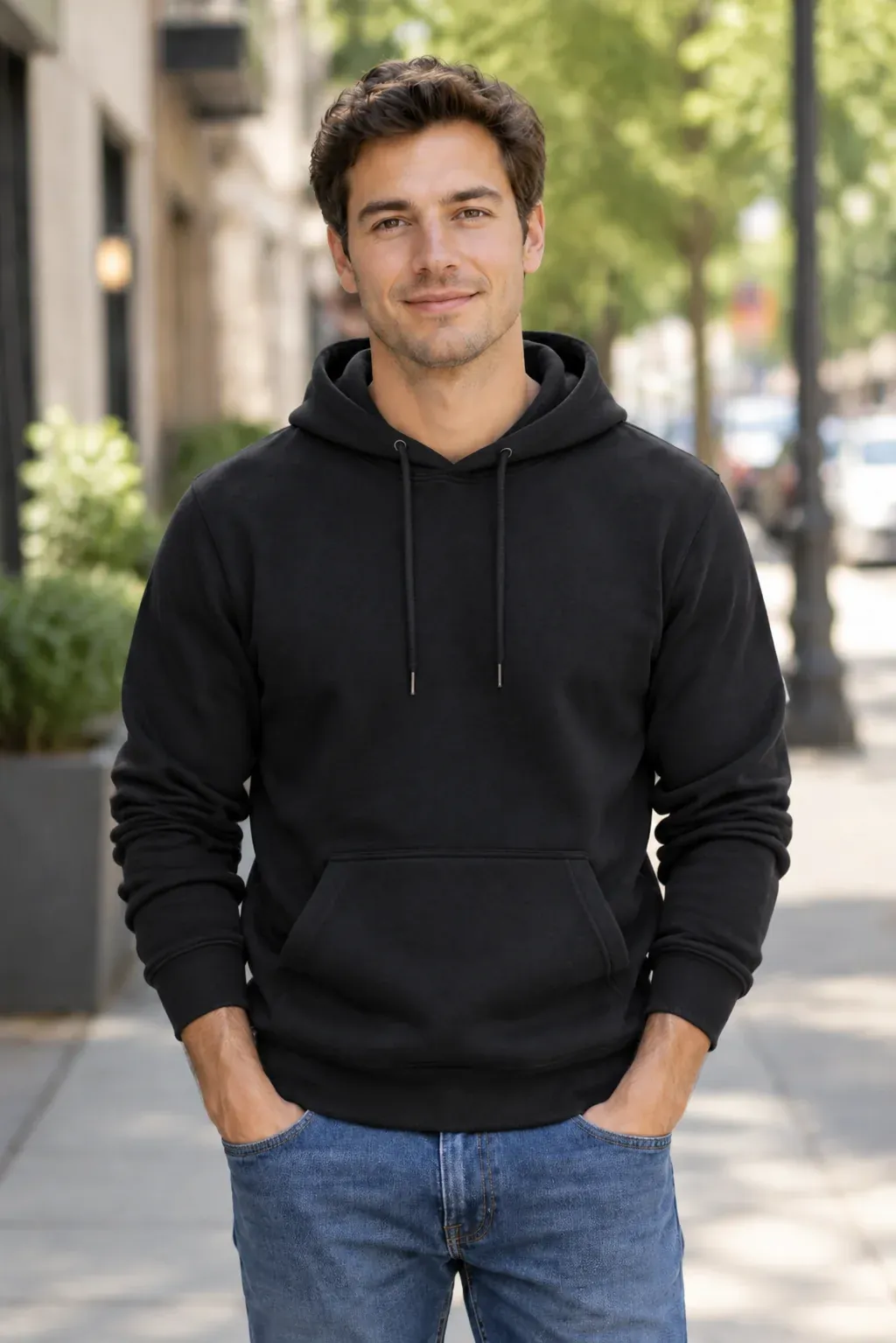
On-model fashion shots
Flat lays and hanger shots worn by a model, with the cut, drape, and fabric texture kept true.
Explore AI fashion modelsFor e-commerce brands & marketplace sellers
Upload one product photo. Get studio-grade packshots, lifestyle scenes, and on-model shots — no photographer, no studio.
An AI photoshoot generator replaces the studio shoot — upload the product photo you already have and get finished on-model, lifestyle, and white-background images in minutes. Built for e-commerce brands and marketplace sellers, not for personal portraits.
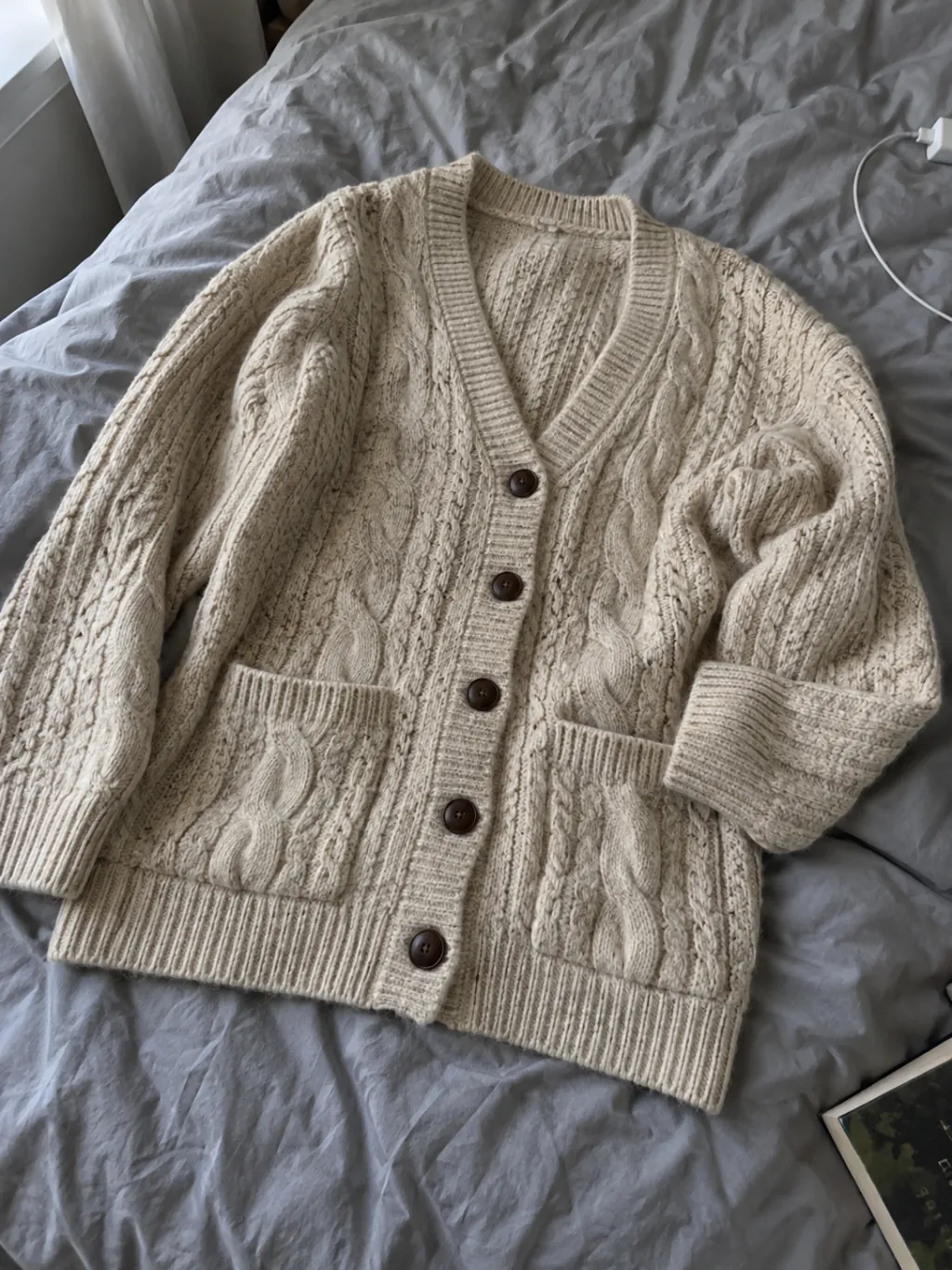
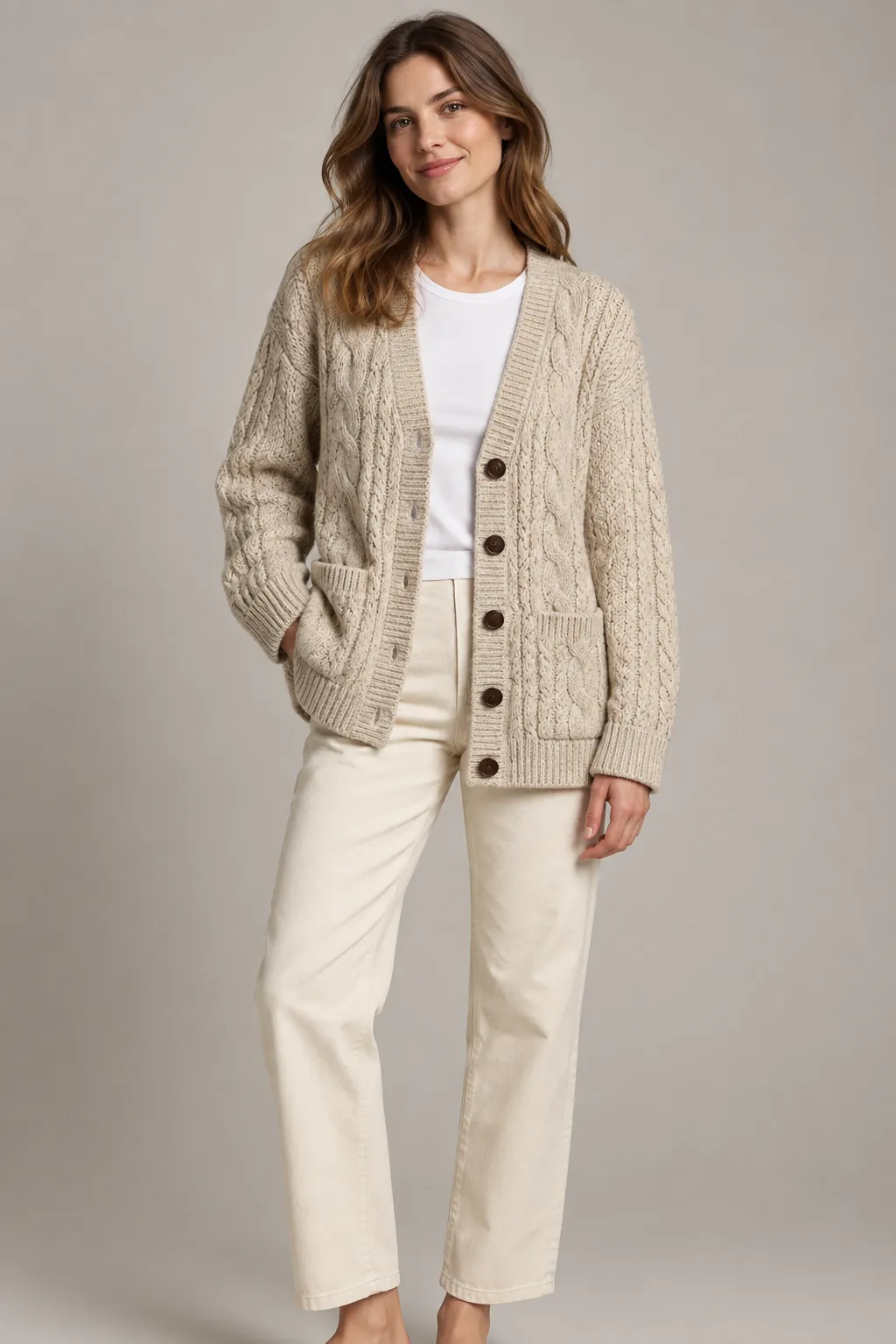
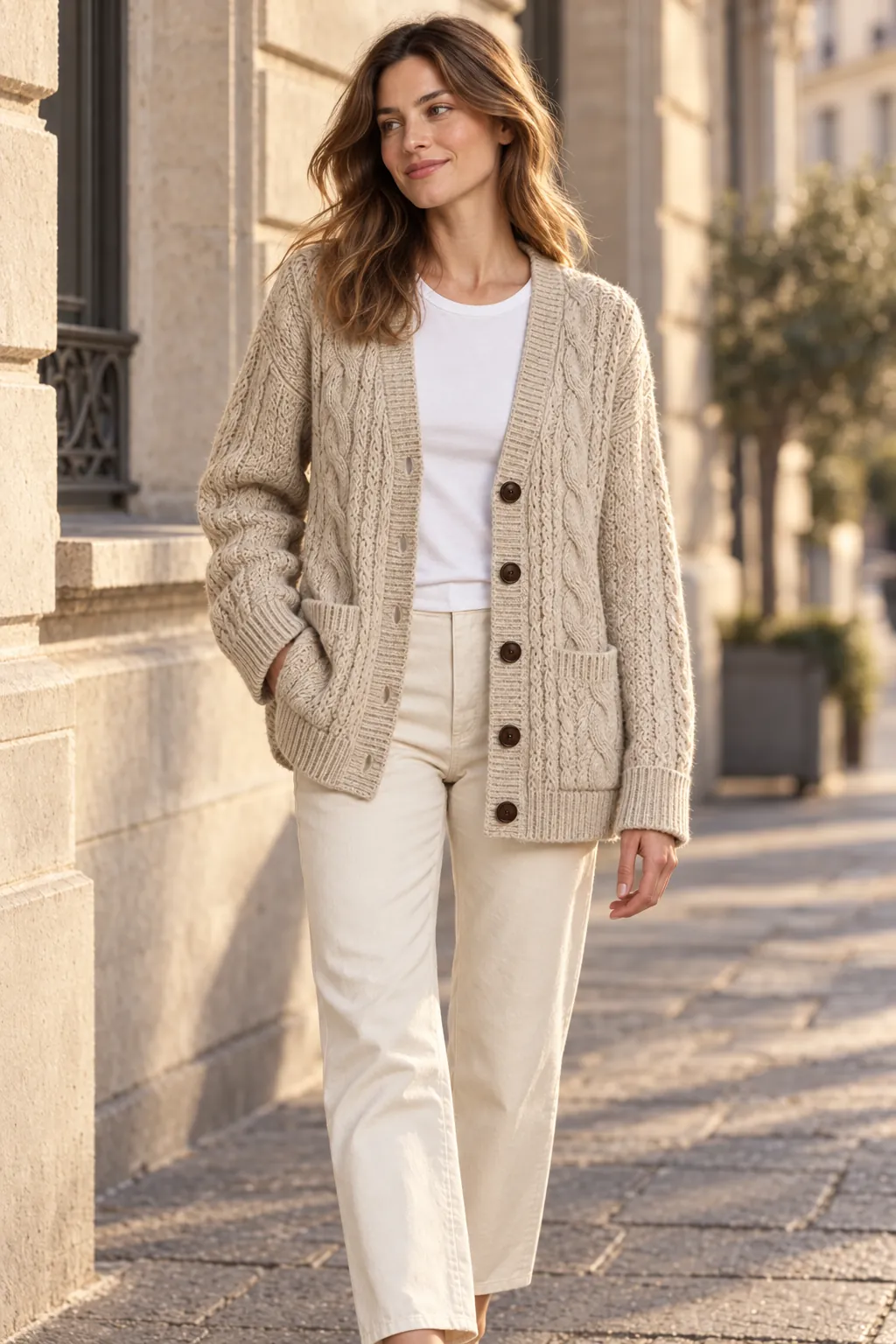
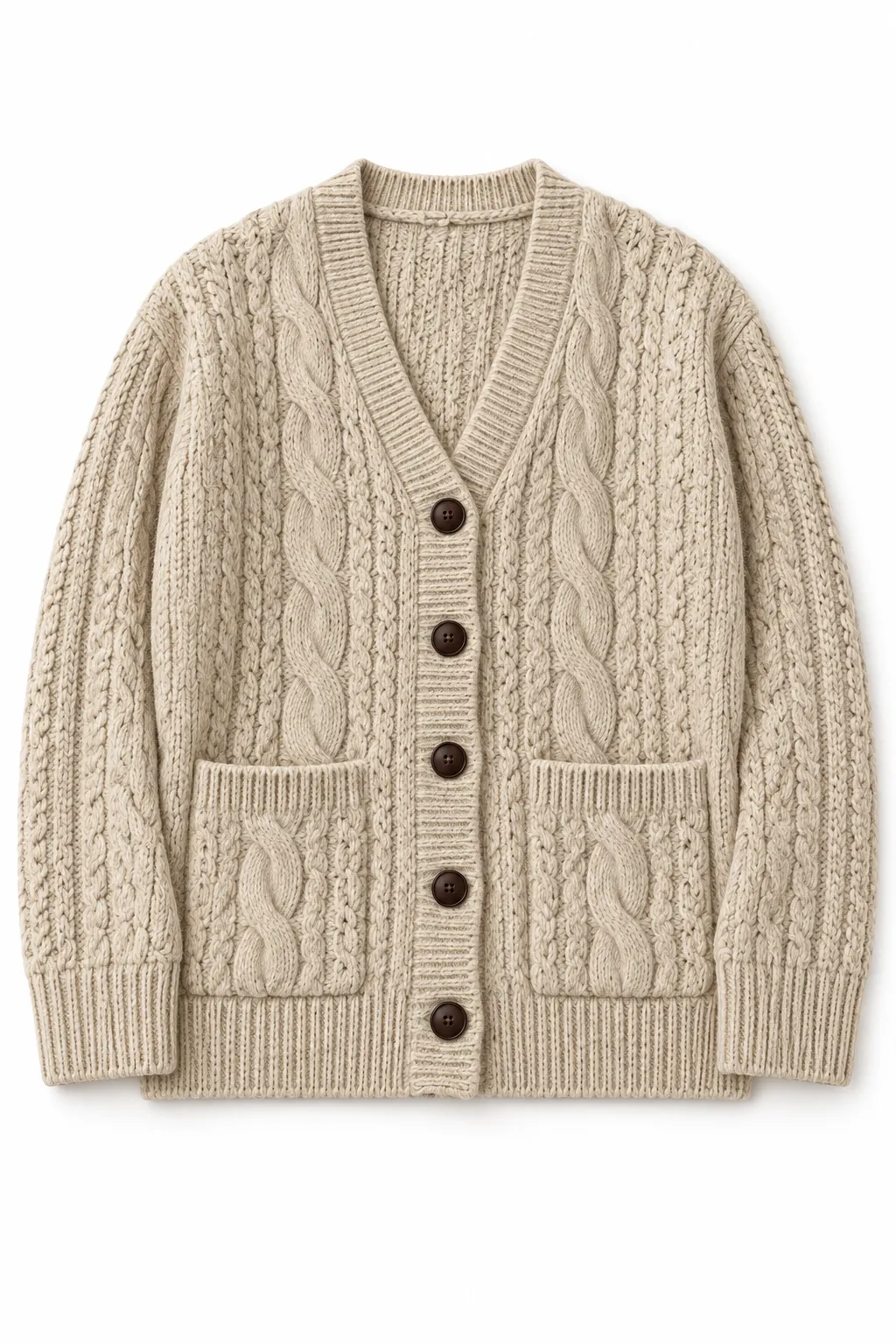
All three results were generated from the same input photo.
Try it on your own product.
Upload a garment photo and preview an on-model shot right here. Your first preview works without an account.
Finished images and product videos, each built from the product photo you already have.
Flat lays and hanger shots worn by a model, with the cut, drape, and fabric texture kept true.
Explore AI fashion models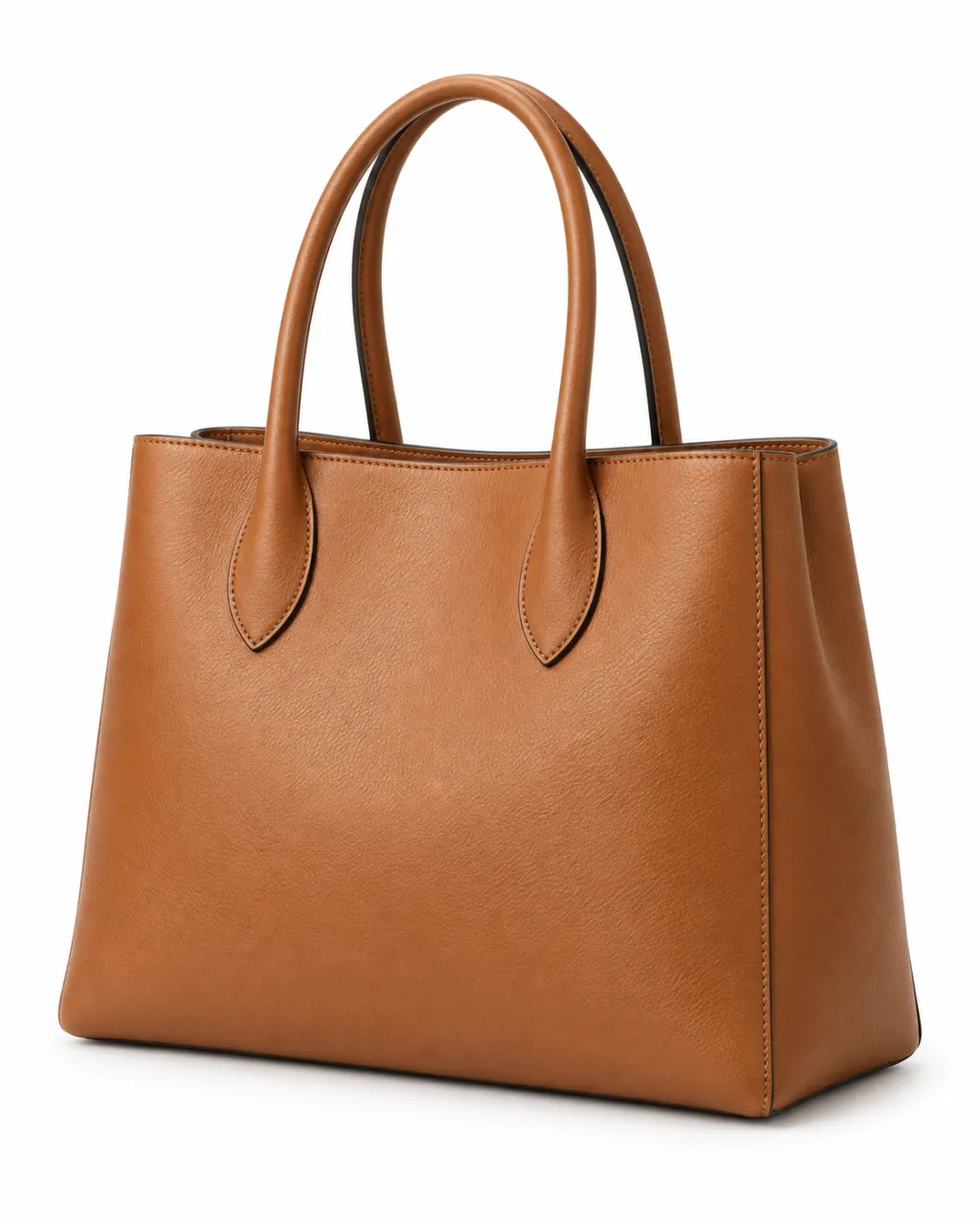
Pure #FFFFFF backgrounds with no stands or clutter, finished with a soft contact shadow.
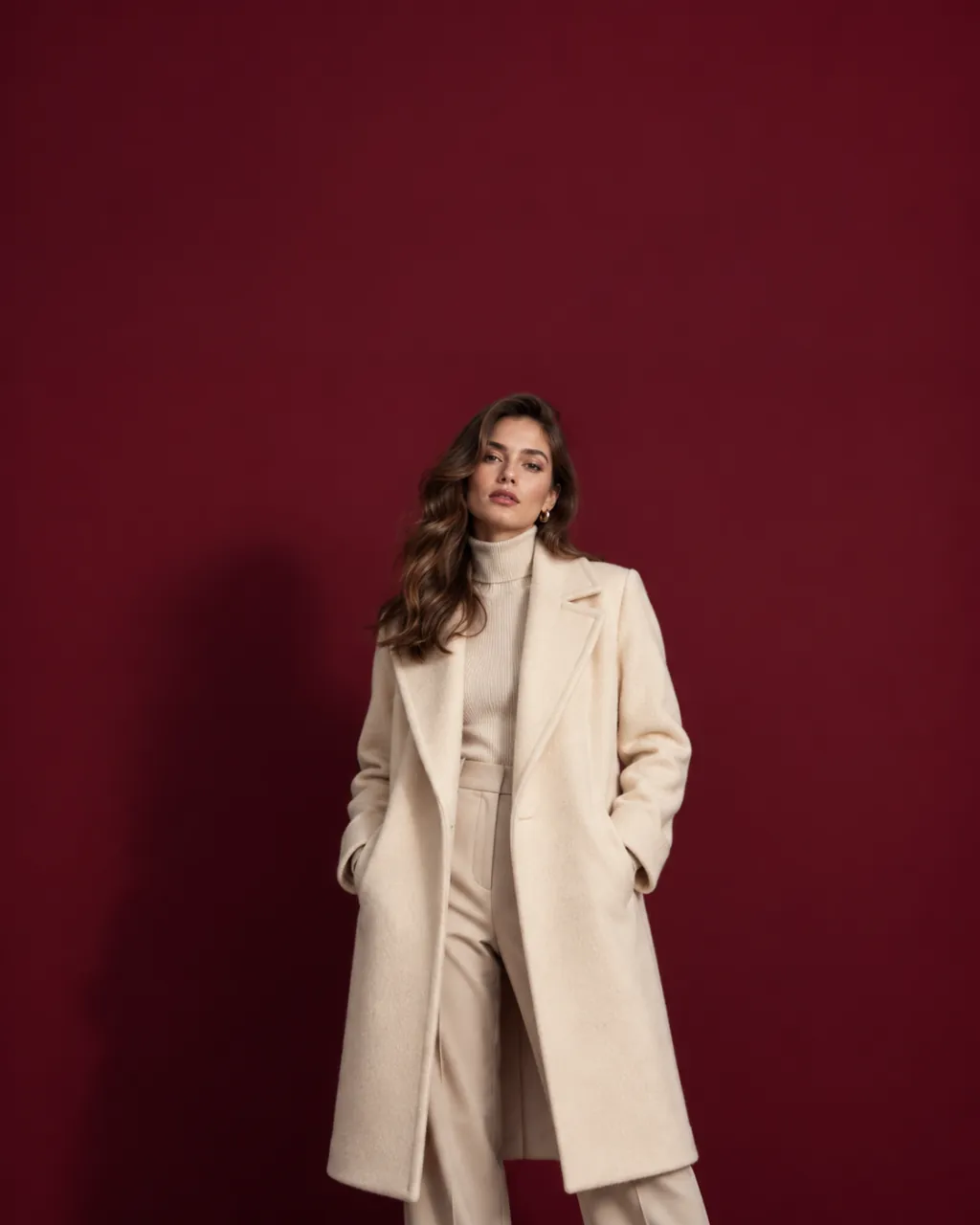
Your product set into a finished campaign layout, with clean space held for the headline.
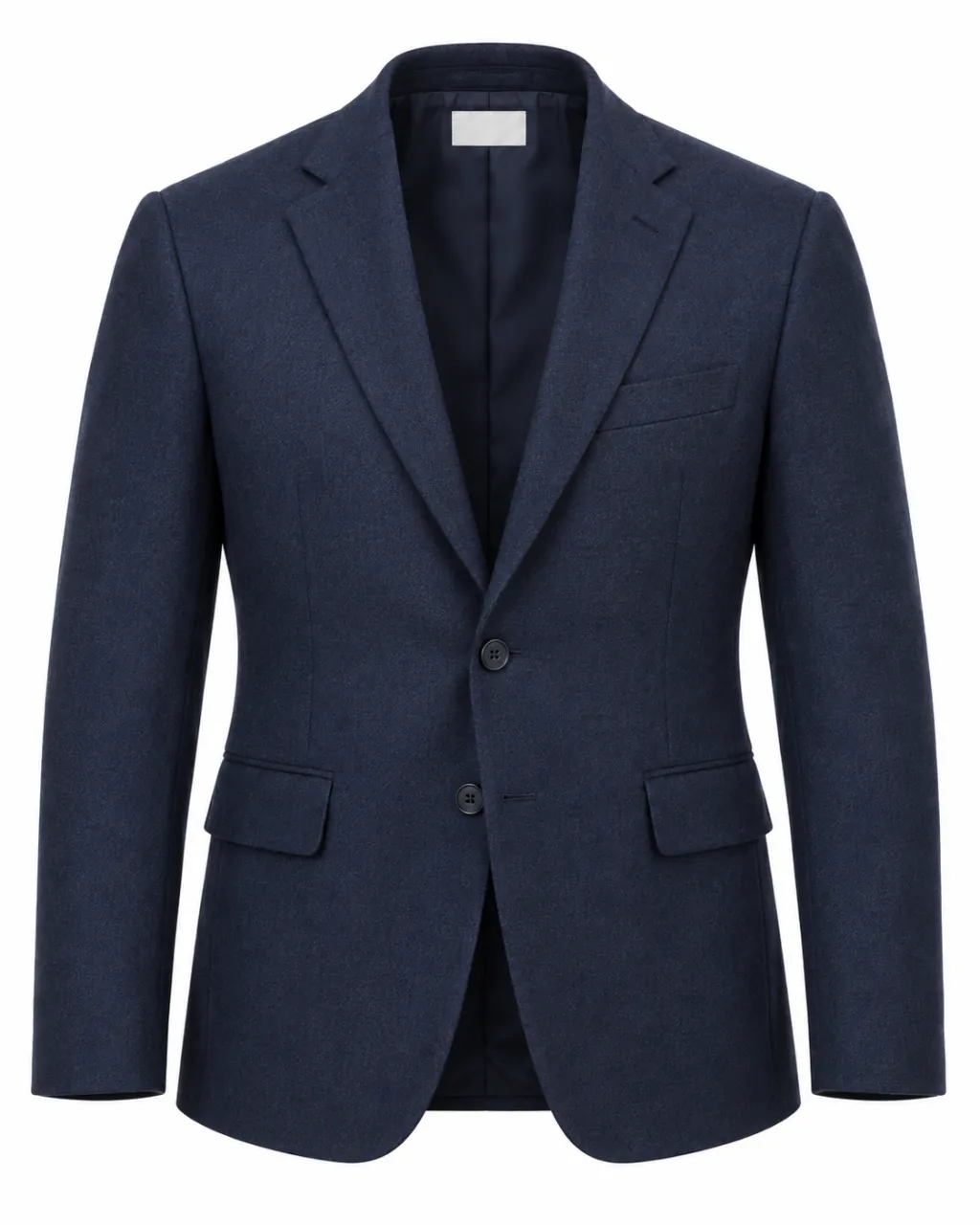
Hollow-body apparel shots that keep the neckline, cuffs, and silhouette of the garment.
Explore ghost mannequin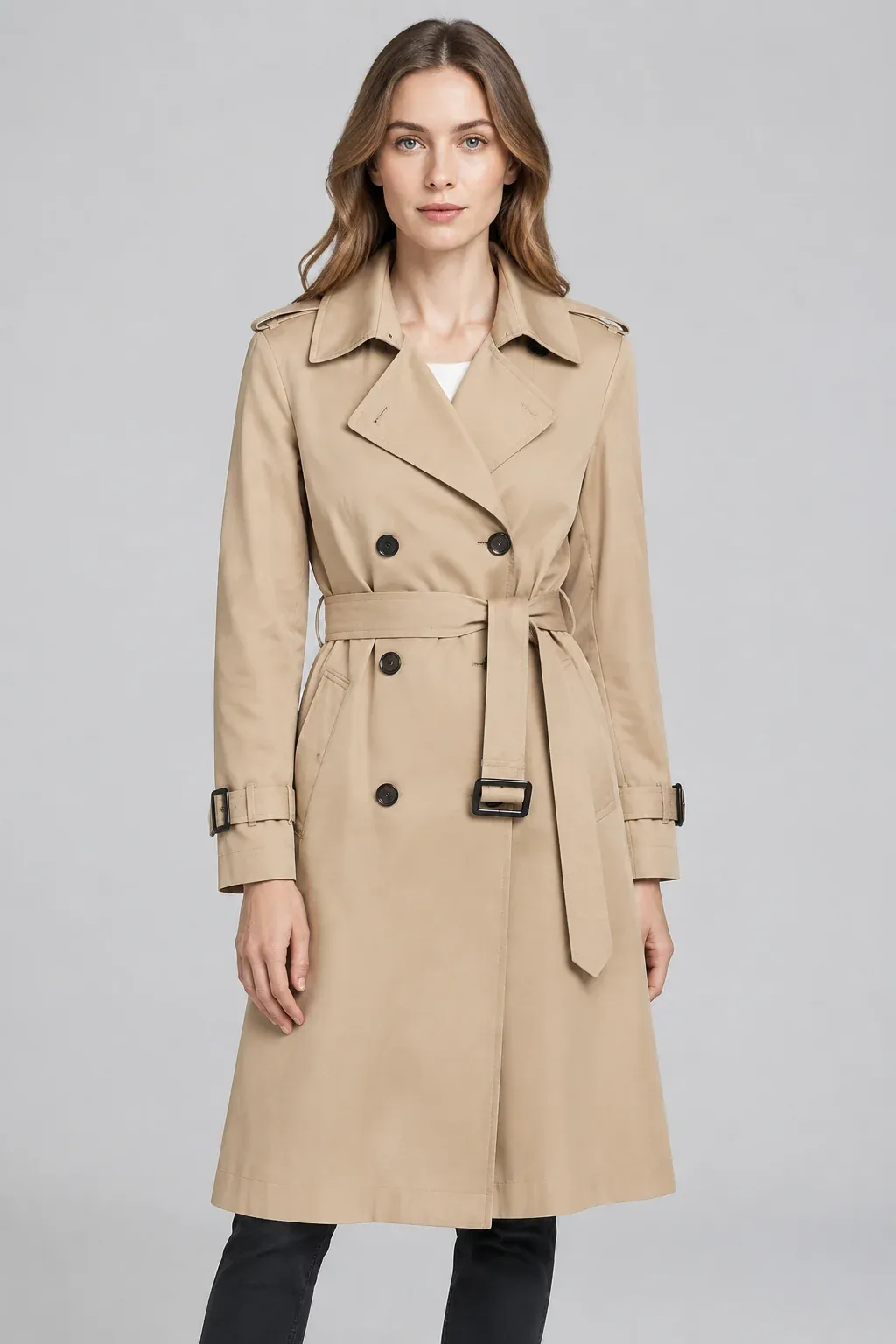 Camel
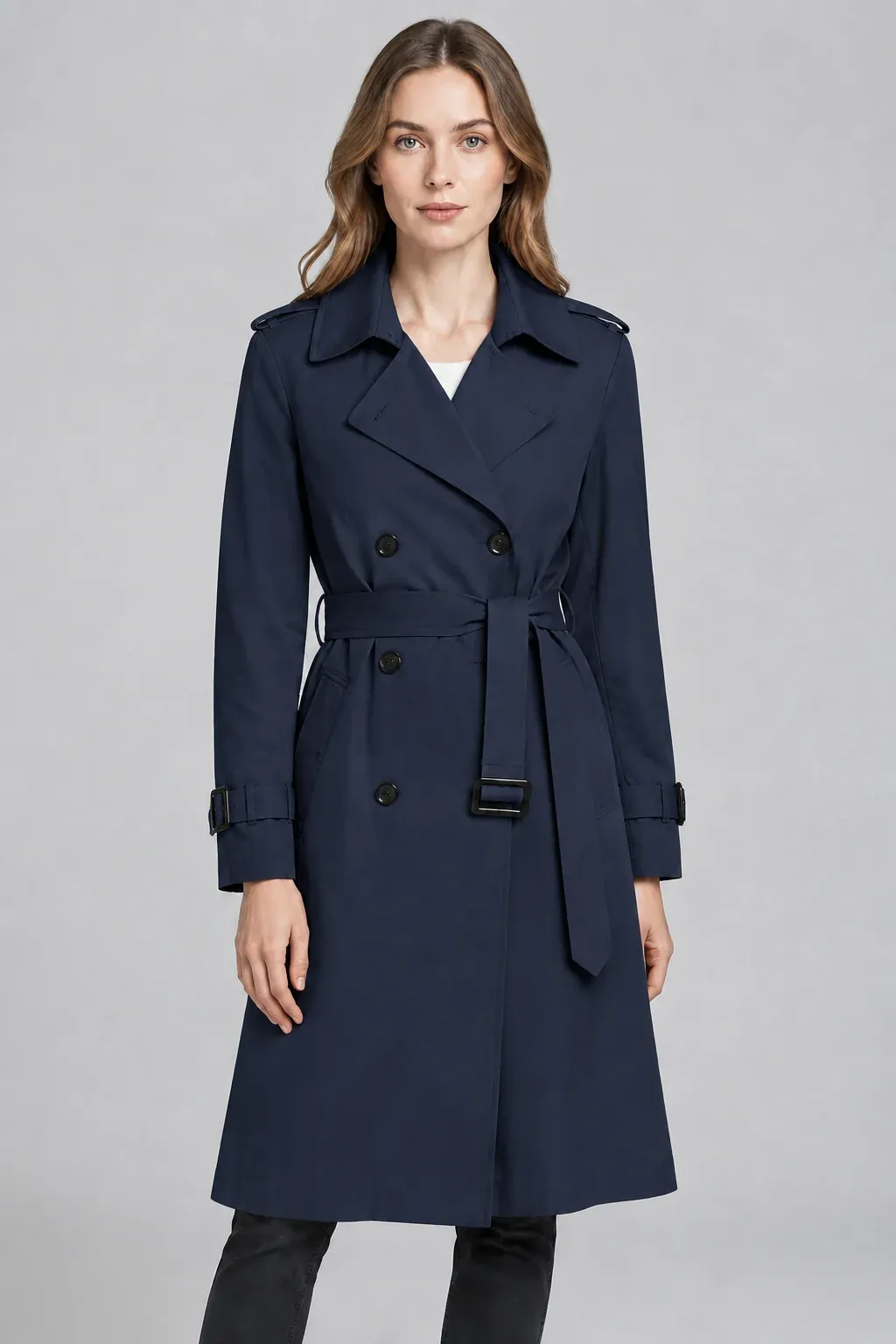 Navy
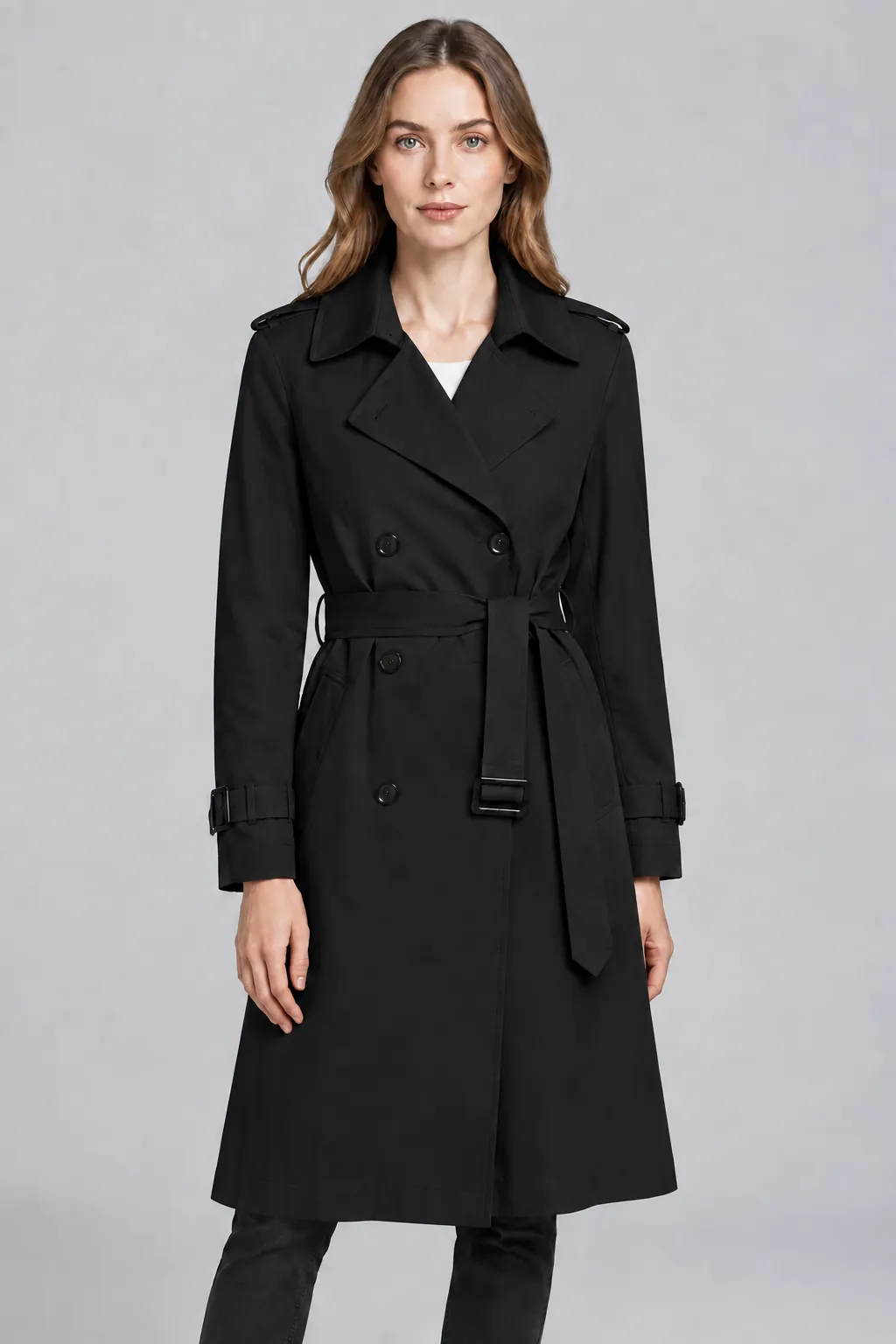 Black
Every colorway of a style shot with the same model, pose, and light for a consistent catalog.
Try color variants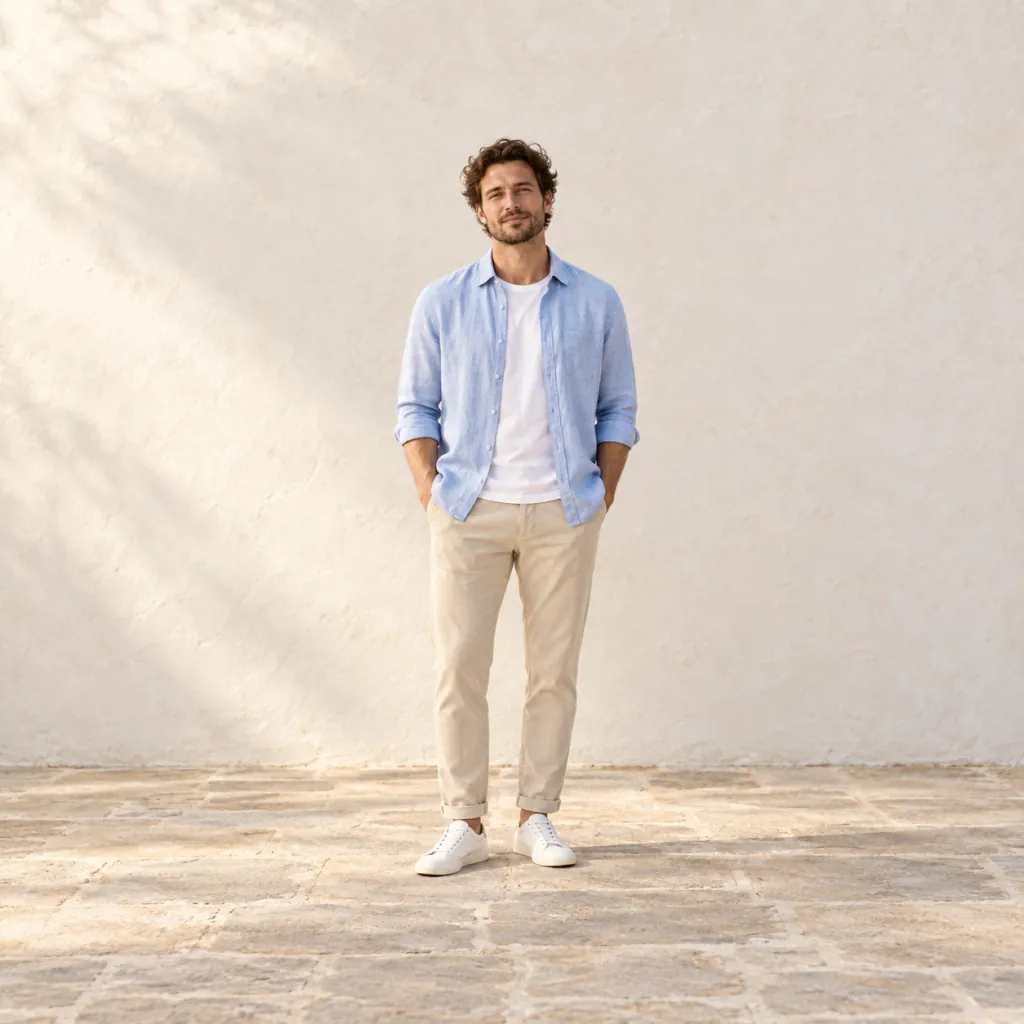 16:91:14:59:16
Whole catalogs in one consistent look, delivered in 1:1, 4:5, 16:9, and 9:16.
Explore batch export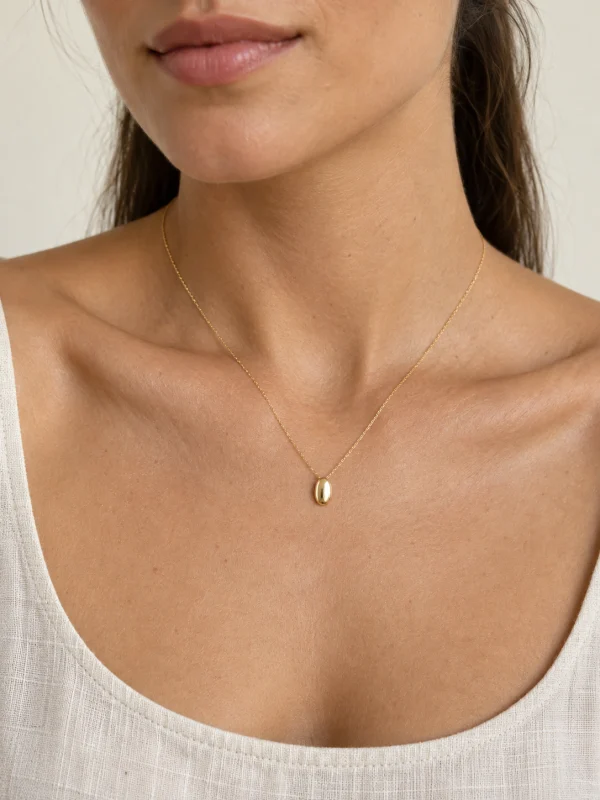
Necklaces, earrings, rings, and bracelets placed on model photos — no shoot required.
Explore jewelry try-on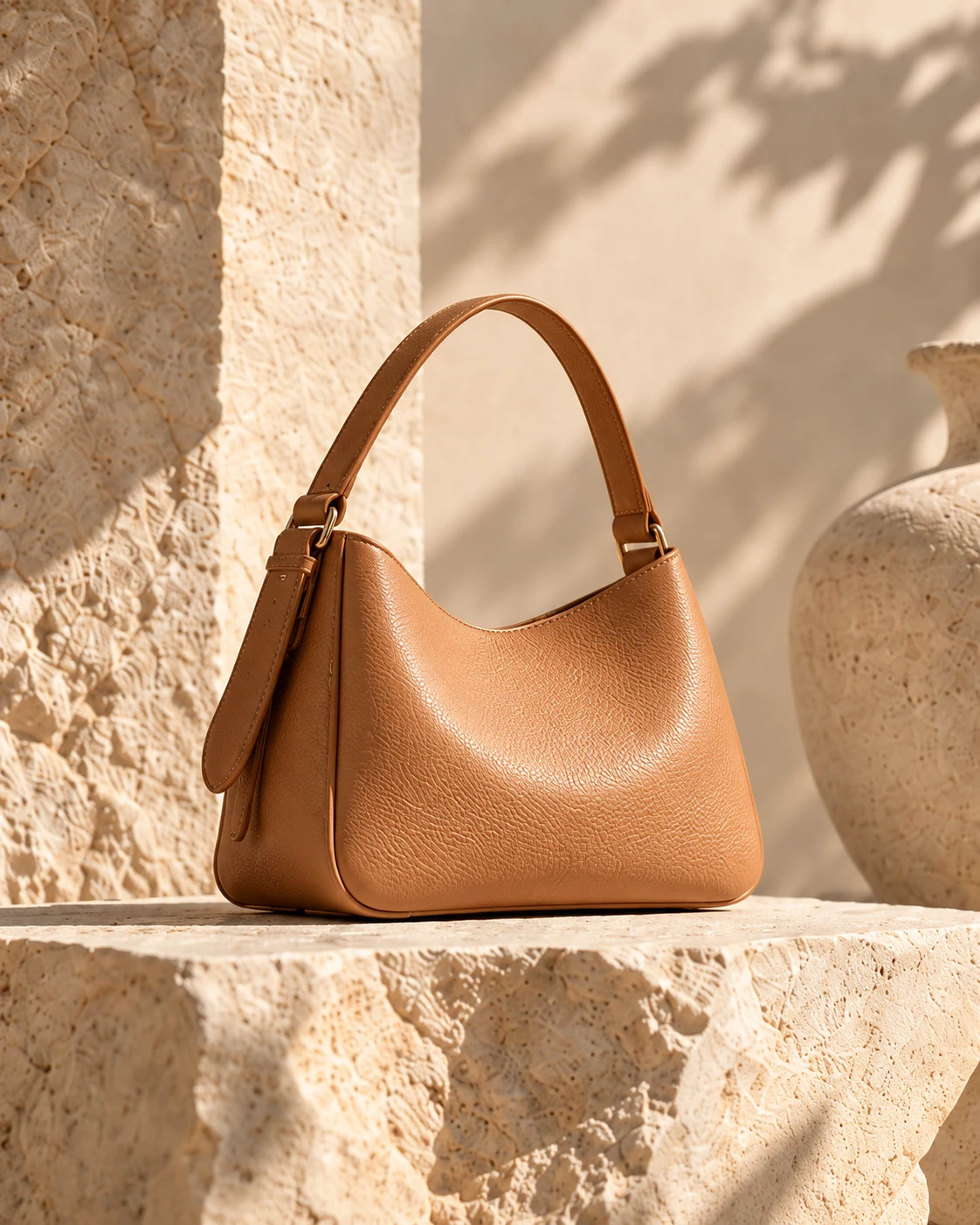
Turn a product photo into a ready-to-post video with style templates — watermark-free MP4 for stores and ads.
Explore product videos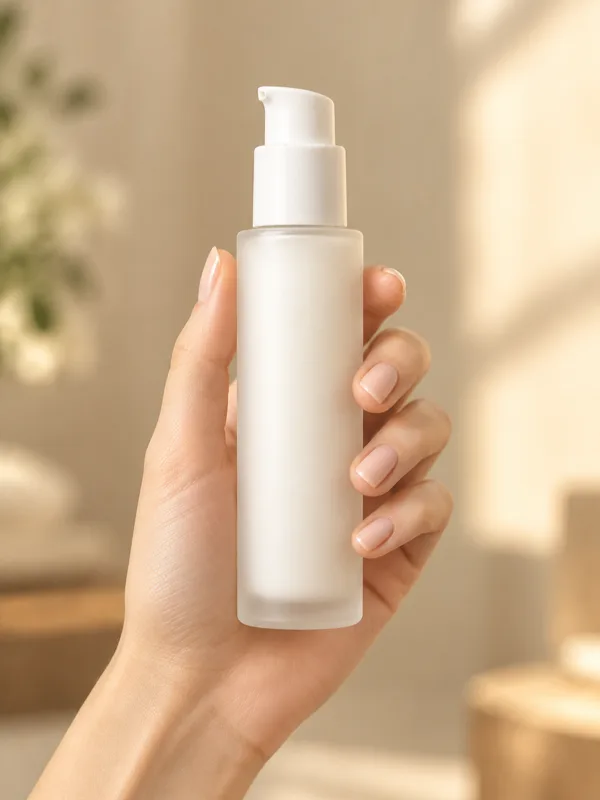
Your item held in a real hand from our model library — the size-and-grip shot a white background cannot show.
Explore product in handA predictable workflow designed for e-commerce teams — no photography or prompt skills needed.
A clean packshot, flat lay, hanger shot, or a phone photo in daylight.
Pick a model, scene, or white background, or describe the surface and light in a few words.
Compare details against your product, then export watermark-free in the ratios you need.
Before & after
A flat-lay hoodie, worn by a model. Drag the divider to compare the result with the model reference.
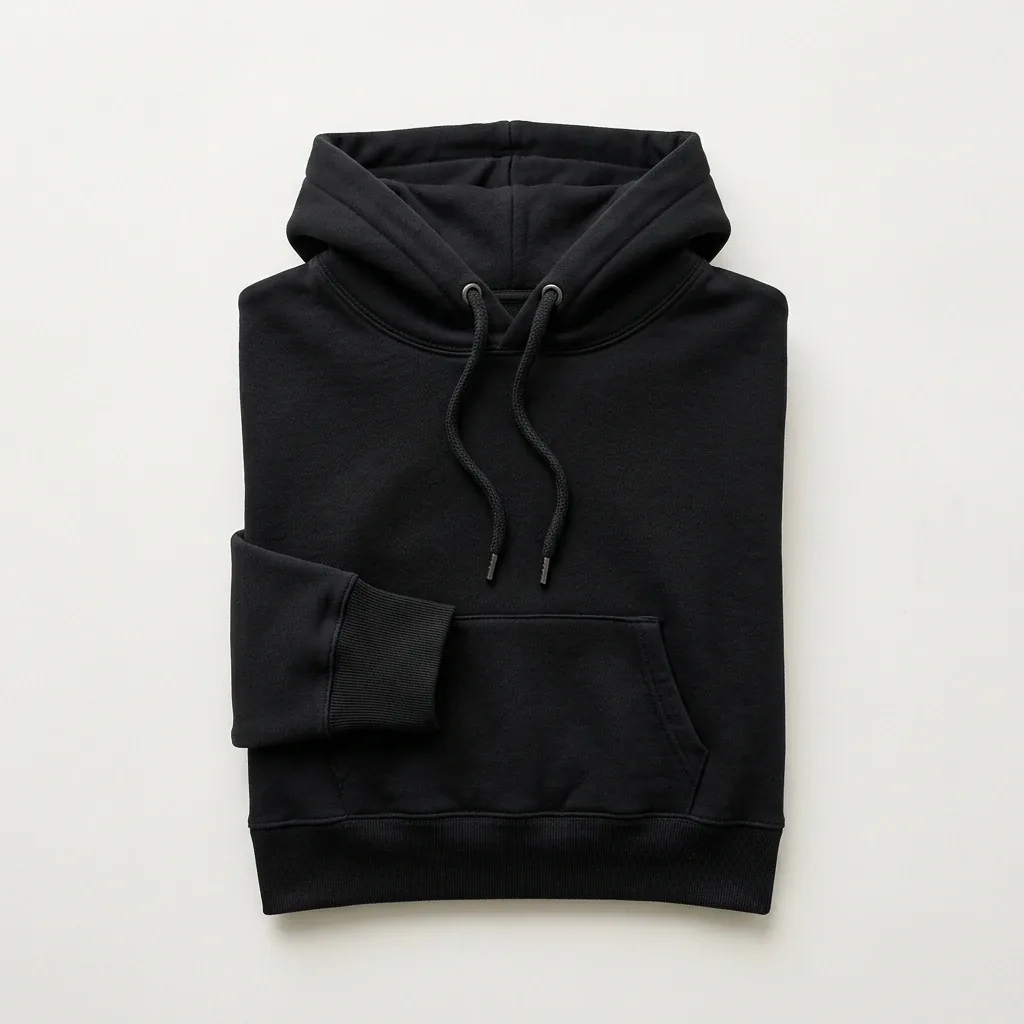
Drag the divider, or focus the slider and use the arrow keys. This is a prepared example.
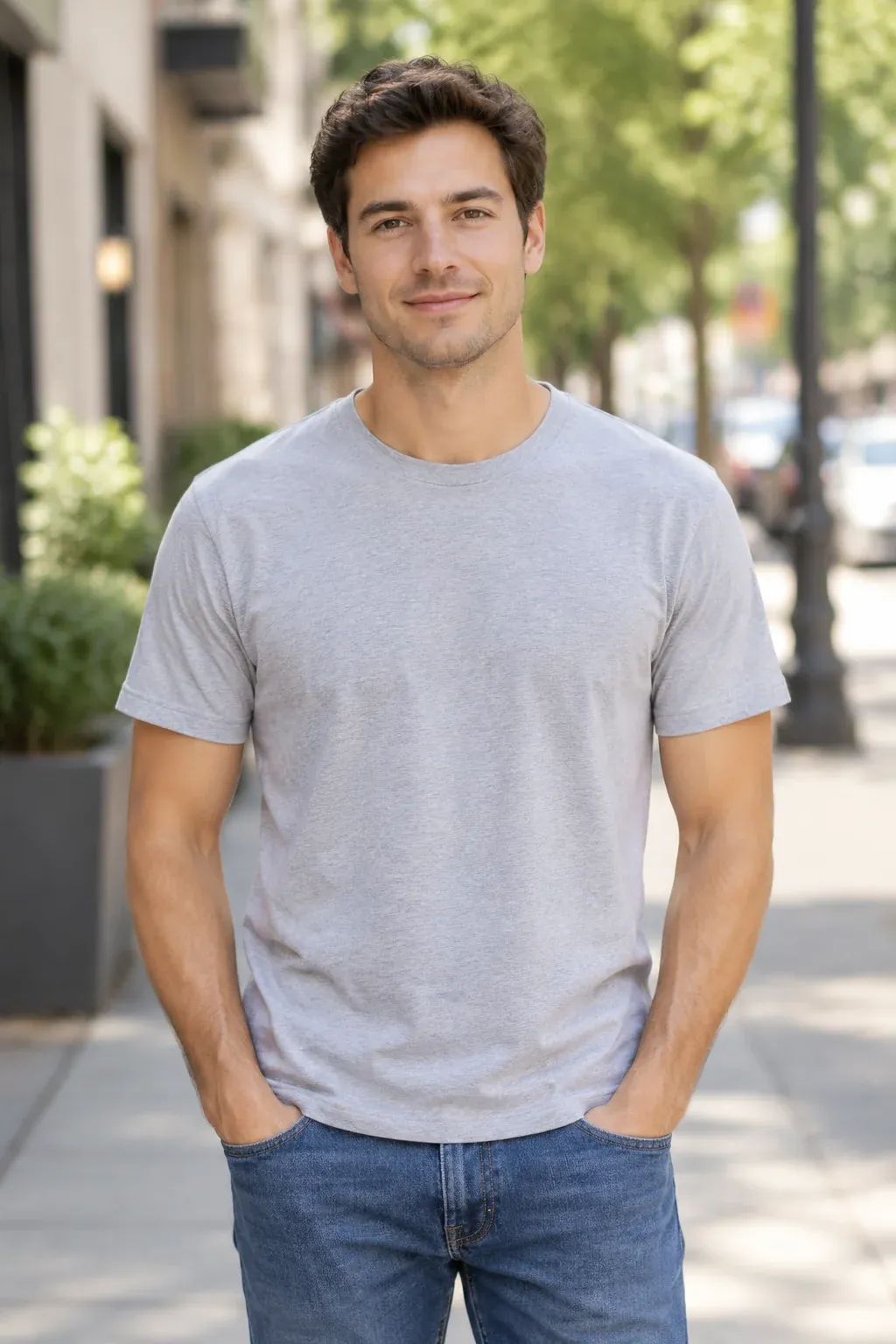
Still life and fashion share one workflow: one product photo in, finished commercial images out.
01 · Still life
From a simple photo to your next campaign. Place products on warm travertine, weathered timber, or architectural concrete with light that behaves like a real set.
A production-ready brief
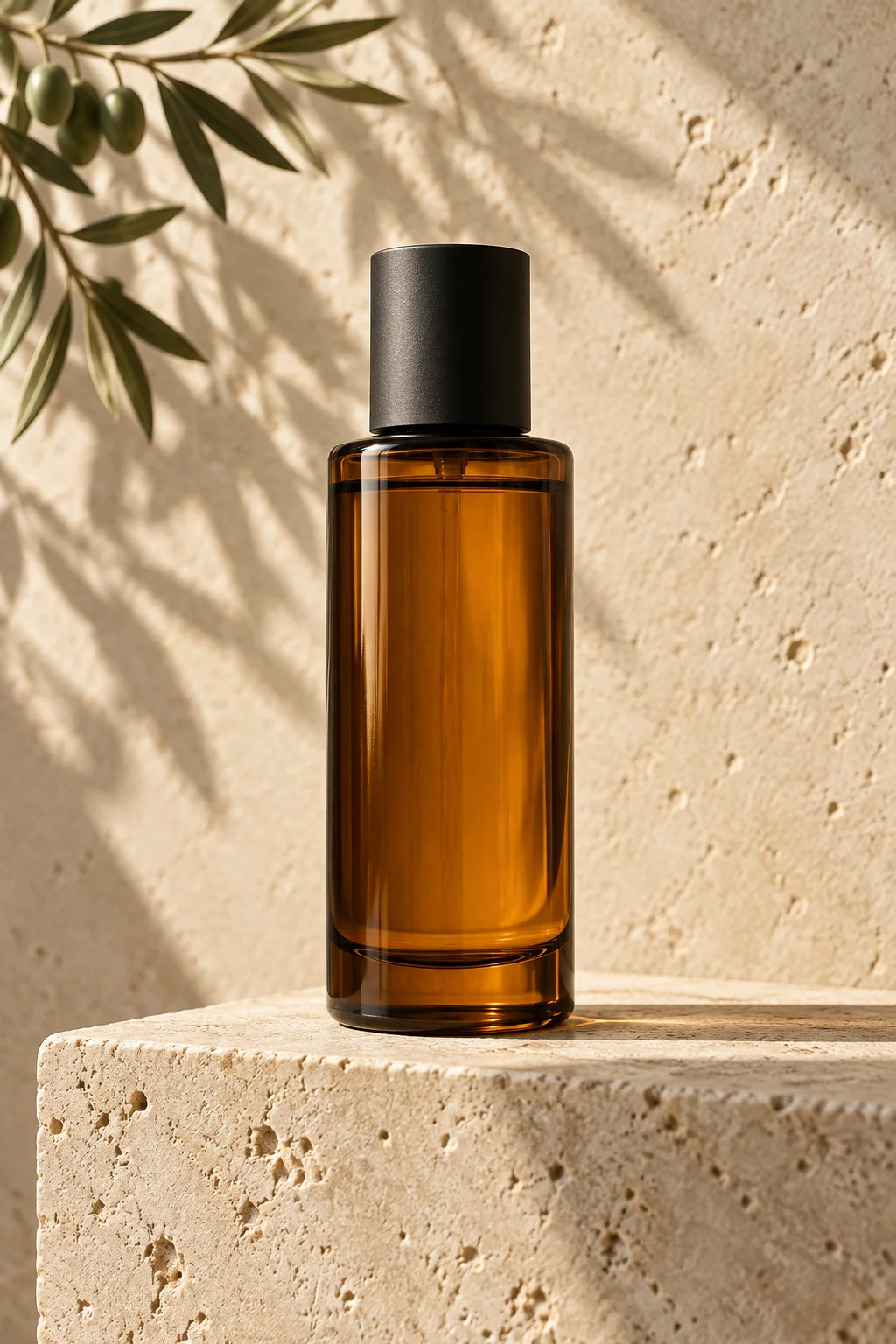
Amber skincare bottle on warm travertine, soft 45-degree window light from left, realistic contact shadow, neutral architectural background, centered portrait crop with headline space.
02 · Fashion
Your collection, on-model in minutes. Put flat lays, hung apparel, and ghost mannequins onto AI models and show fit and movement without booking an agency.
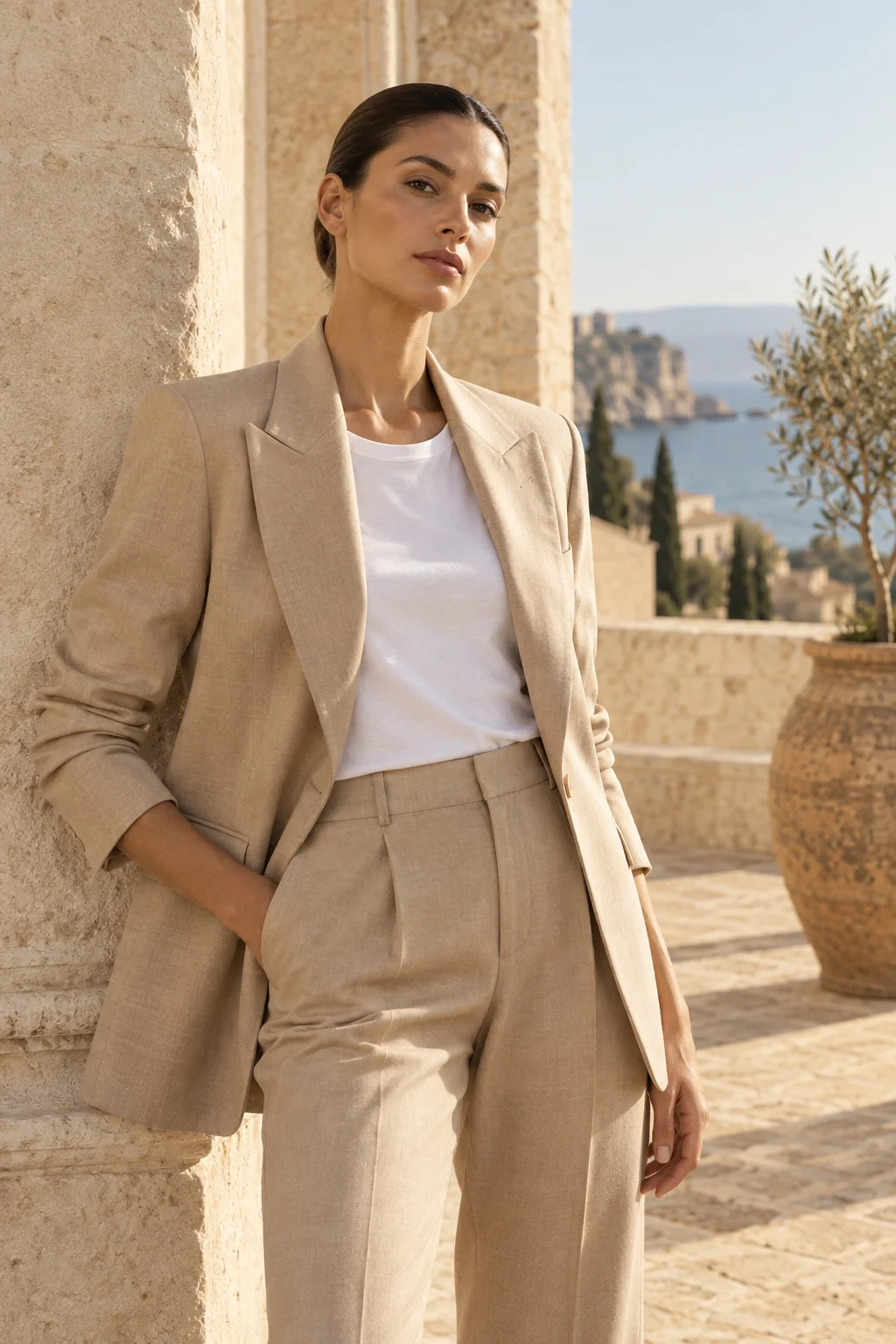
Each category has its own commercial needs. Start from a direction that already works.
Glass clarity, liquid texture, and sharp labels on calm, tactile surfaces.
Flat lays and ghost mannequins turned into full-body catalog and lookbook shots.
Leather grain, hardware luster, and structured silhouettes in editorial light.
One light angle and palette held across a full drop of SKUs.
Every image is judged against the same five checks a merchandiser would run before publishing.
Stitching, buttons, hardware color, and logos match the physical product.
Glass rims, thin straps, and lace trims sit in the scene, never pasted on.
Products rest on the surface with physically believable shadows and one light direction.
Color temperature, backdrop, and angle stay aligned across every SKU in a drop.
The subject survives every crop, from small listing thumbnails to full-screen stories.
Export formats
Everything you need to know about AI photoshoots, commercial usage rights, and image requirements.
Contact our teamAn AI photoshoot generator takes your existing product photo (such as a simple smartphone photo) and turns it into realistic, studio-quality commercial images — on-model shots, lifestyle scenes, and white-background packshots. You control the scene, lighting, and framing without hiring photographers or renting a studio.
Yes. Shotelle supports still-life product photography (skincare, accessories, candles, gadgets) and on-model fashion photography (dresses, jackets, streetwear, suits). Flat-lay or ghost mannequin photos can be placed onto photorealistic models with natural fit and fabric drape.
Use clear, evenly lit photos where the whole product is in focus with little background clutter. Packshots, flat lays, or smartphone photos taken in daylight work well. Avoid wide-angle distortion, heavy filters, or cropped product edges.
Shotelle uses identity-preserving AI models designed to keep product geometry, logos, hardware, and fabric patterns intact. We recommend reviewing each result against your physical product before publishing it to a storefront.
Studio packshots are produced on pure white (#FFFFFF) with the product filling most of the frame, which is what Amazon and most marketplaces ask for in a main image. Lifestyle and on-model shots suit secondary images, and you can export in 1:1, 4:5, 16:9, and 9:16. Rules vary by marketplace and category, so check the current requirements before publishing.
Yes. You own full commercial usage rights to all images generated under your account. Exports are watermark-free and high-resolution, suitable for Shopify stores, Amazon listings, social ads, lookbooks, and banners.
You can start free. When you need more images, choose a monthly plan or a one-time credit pack that never expires. Every plan includes watermark-free, high-resolution exports with commercial usage rights.
See pricingUpload a product photo in the studio on this page — your first preview works without an account. Create a free account to receive complimentary credits and download high-resolution results. No credit card is required.
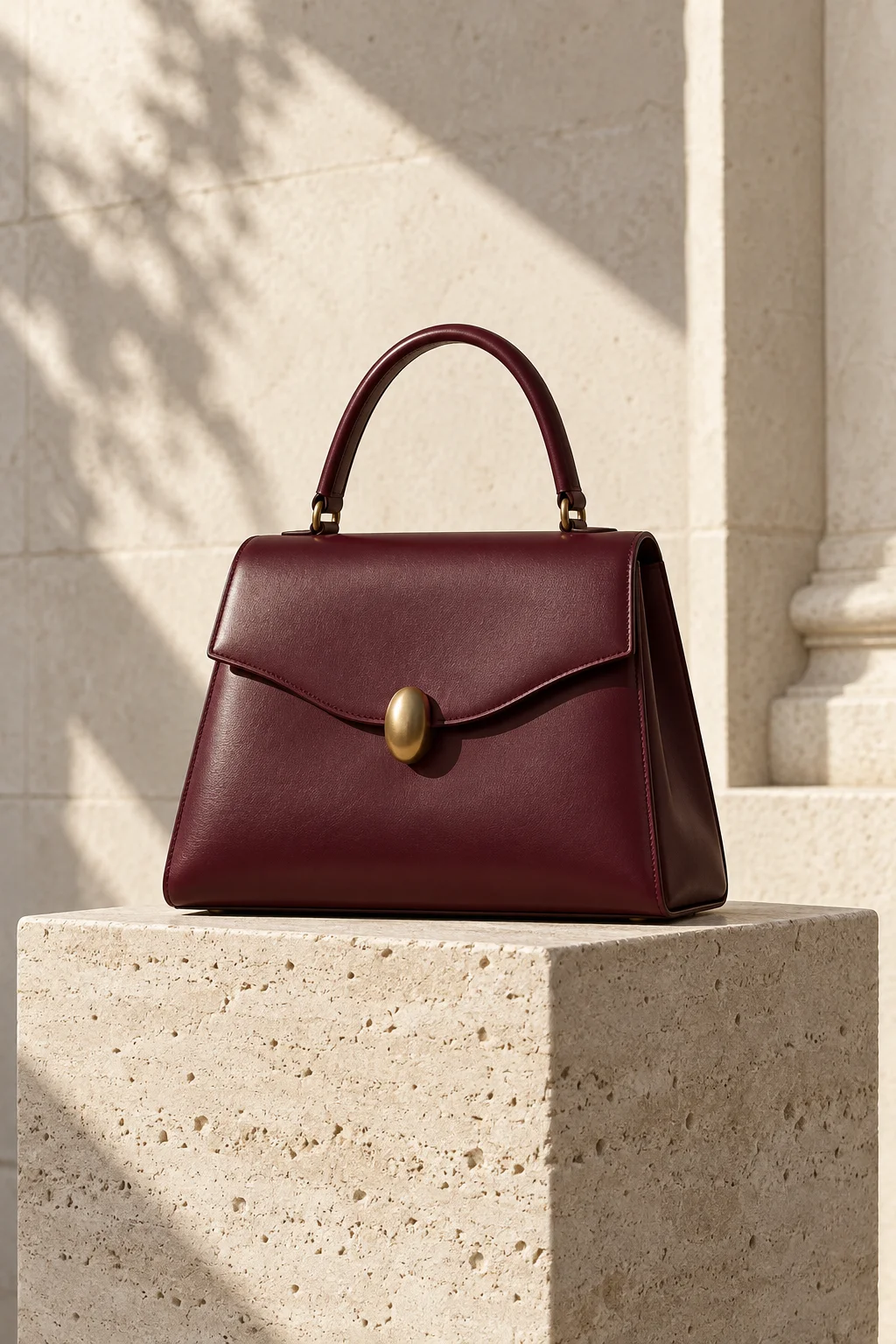
Upload your first product photo, choose a creative direction, and get studio-grade commercial shots in minutes.