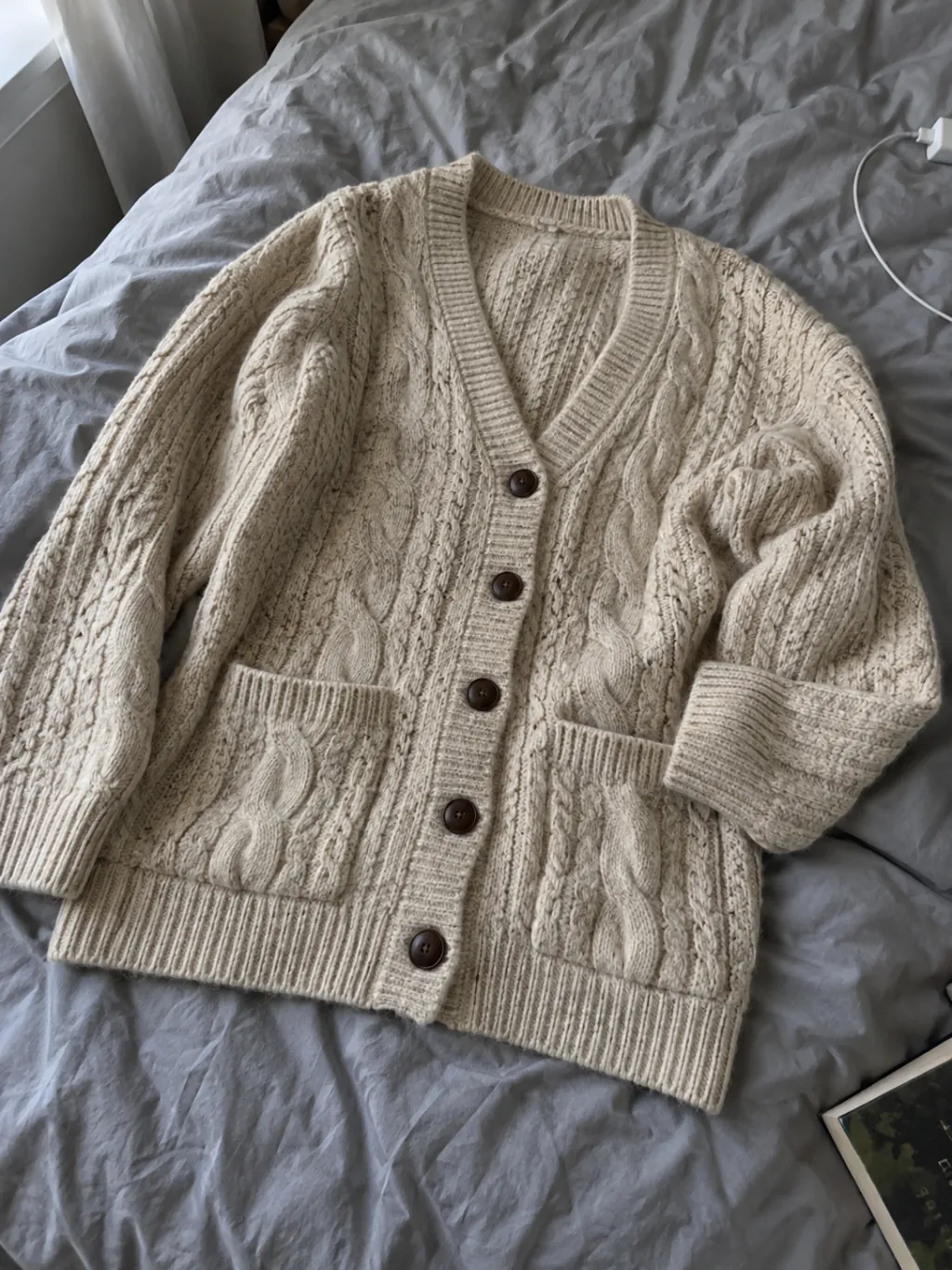
Flat lay
Give a garment photographed on a table the shape and volume of a worn piece.
The garment takes the spotlight.
Upload a flat lay, hanger, mannequin or on-model photo. Create a ghost mannequin product image with no visible person or support, while keeping the garment’s shape and rebuilding hidden neckline details. No studio or Photoshop.
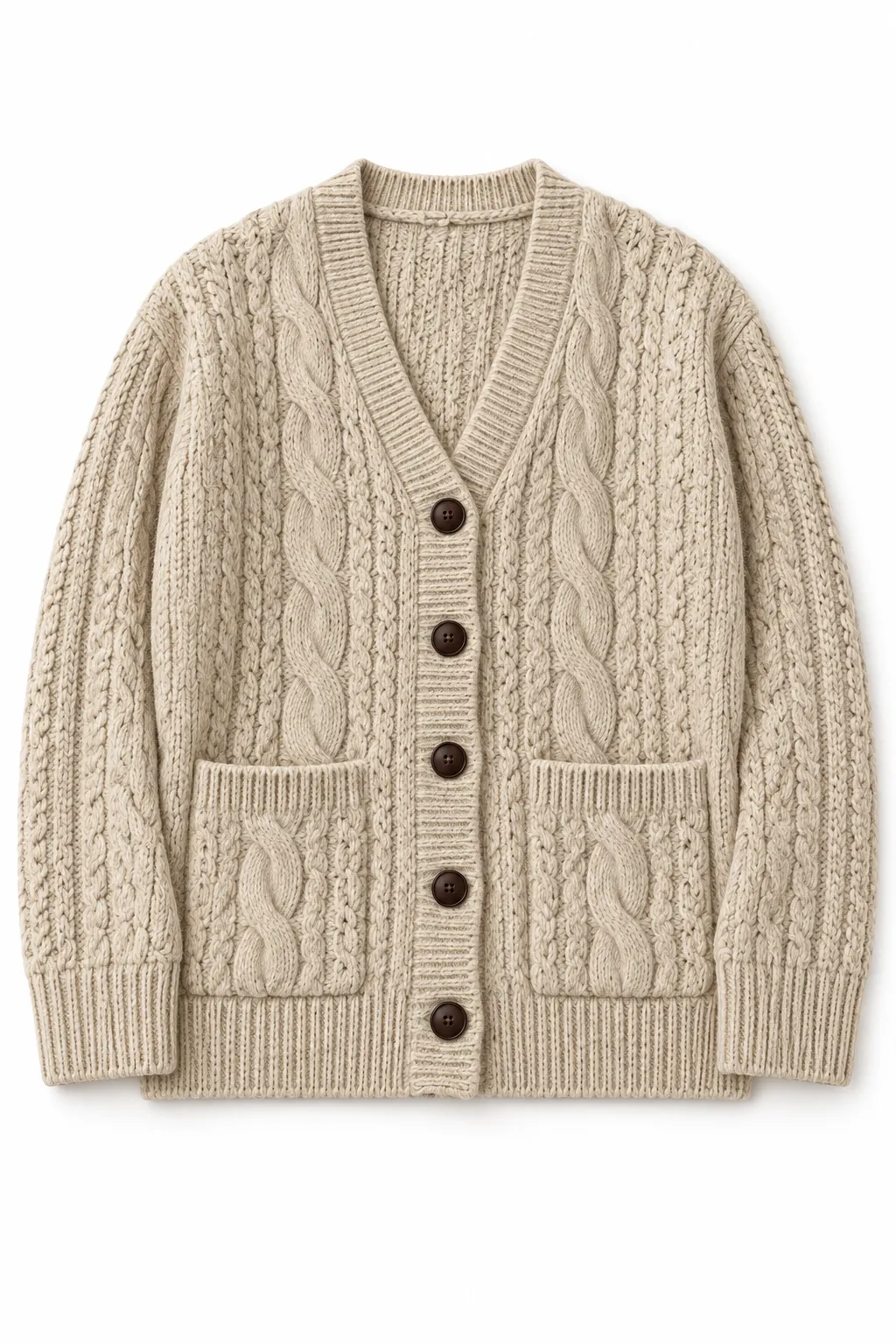
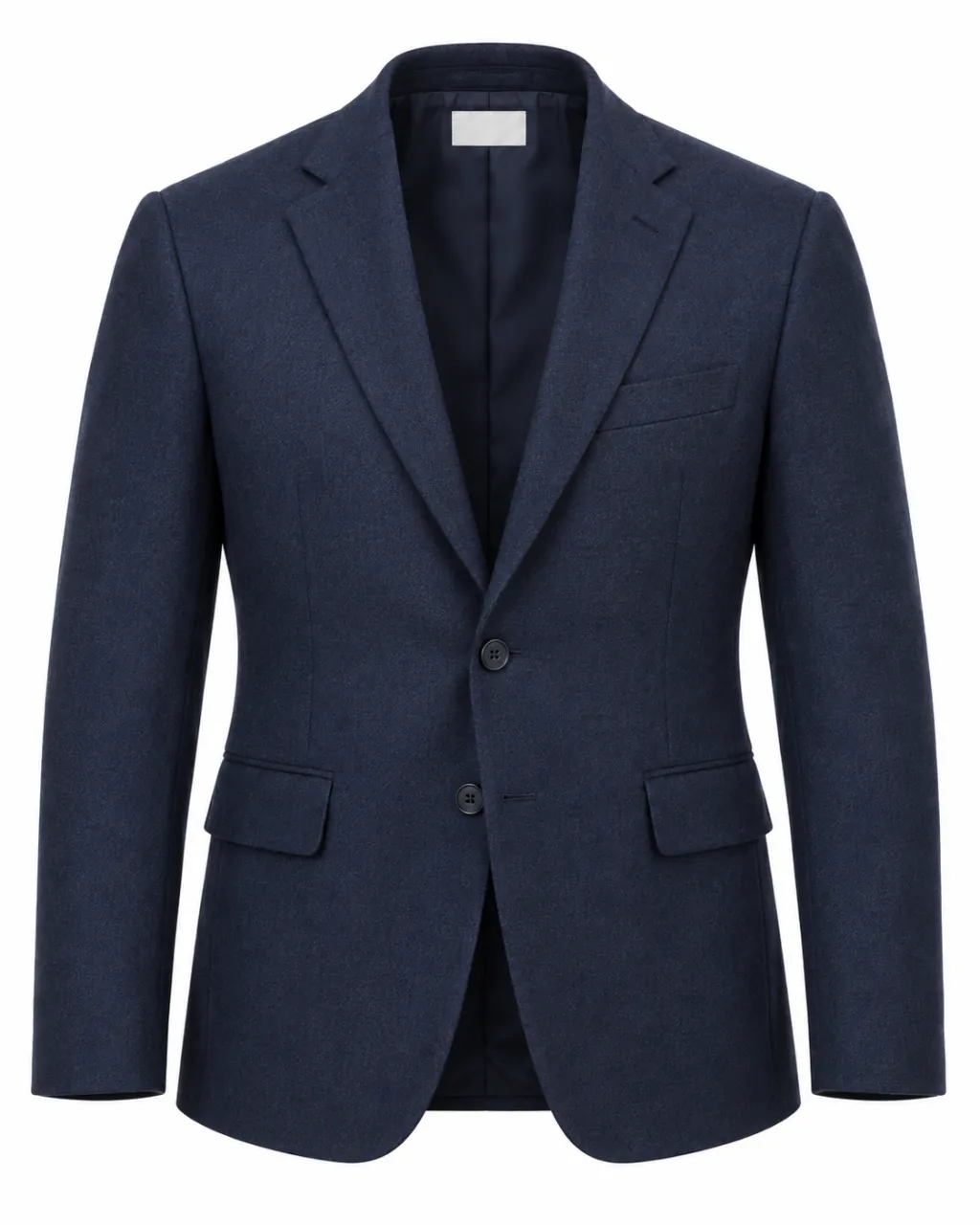 All garment. No mannequin.
A ghost mannequin is a product photo where the garment looks worn by someone invisible — the shape, neckline and drape are all there, but no model, mannequin or hanger can be seen. It gives apparel a clear, structured look, so shoppers can focus on the piece itself.
Ghost mannequin, invisible mannequin and hollow man all describe the same idea: clothing with the volume of a worn piece, without a visible support.
A regular mannequin photo shows a plastic torso or neck plug. A ghost mannequin keeps only the clothing, including the inner collar that a stand normally hides.
Shoppers can compare silhouette and construction across styles without a model’s pose, styling or face competing for attention.
Flat lay, hanger or on-model. No special shoot setup.
Give a garment photographed on a table the shape and volume of a worn piece.
Hang it. Photograph it.
A simple wall. Natural light.Keep the shoulders and natural fall. Leave the hook, wire and clamps behind.
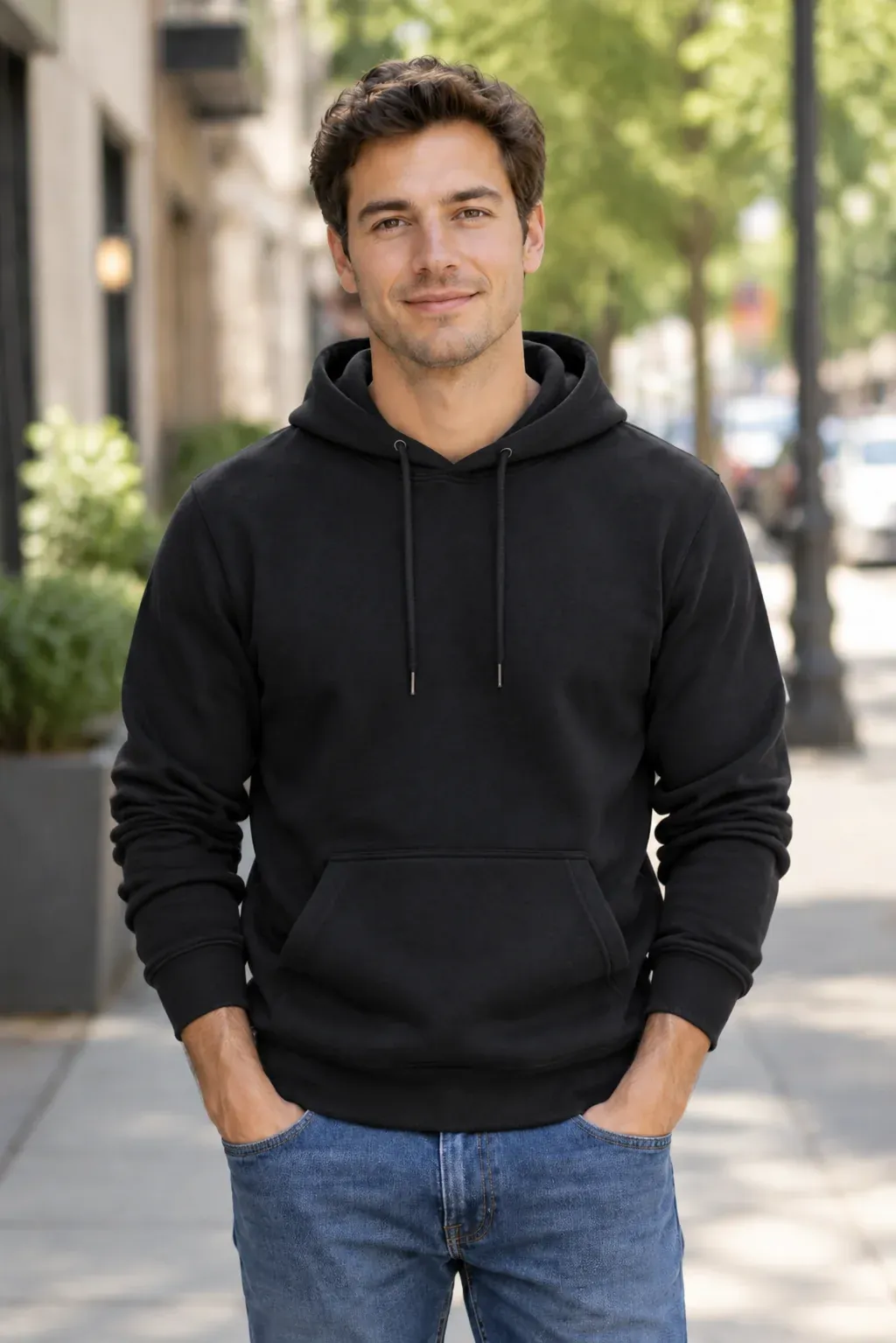
Remove the visible support and reconstruct the collar and areas hidden by the body.
Choose a clear flat lay, hanger, mannequin or on-model photo. Make sure the whole garment is visible and evenly lit.
The ghost mannequin workflow removes the support and rebuilds hidden structure: collar, shoulders and sleeves, with a hollow interior.
Choose your framing, then check the neckline, fabric and color against the original before publishing a listing.
1 credit per image
The neckline is where ghost mannequin photos usually fall apart. Removing the stand leaves missing information where the neck used to be. A convincing result needs a reconstructed inner collar, natural shoulder volume and an interior that reads as hollow — not simply cut out.
Weave, print, stitching and color are part of what you sell. Compare each result with your original at full size. AI can reinterpret fine details, especially lace, mesh and unusual collars — review one garment before preparing a whole collection.
Keep a consistent background, crop and scale across your collection. A structured garment image complements your existing flat lays: use one to show the silhouette, the other to show the finer details.
Explore the ghost mannequin tool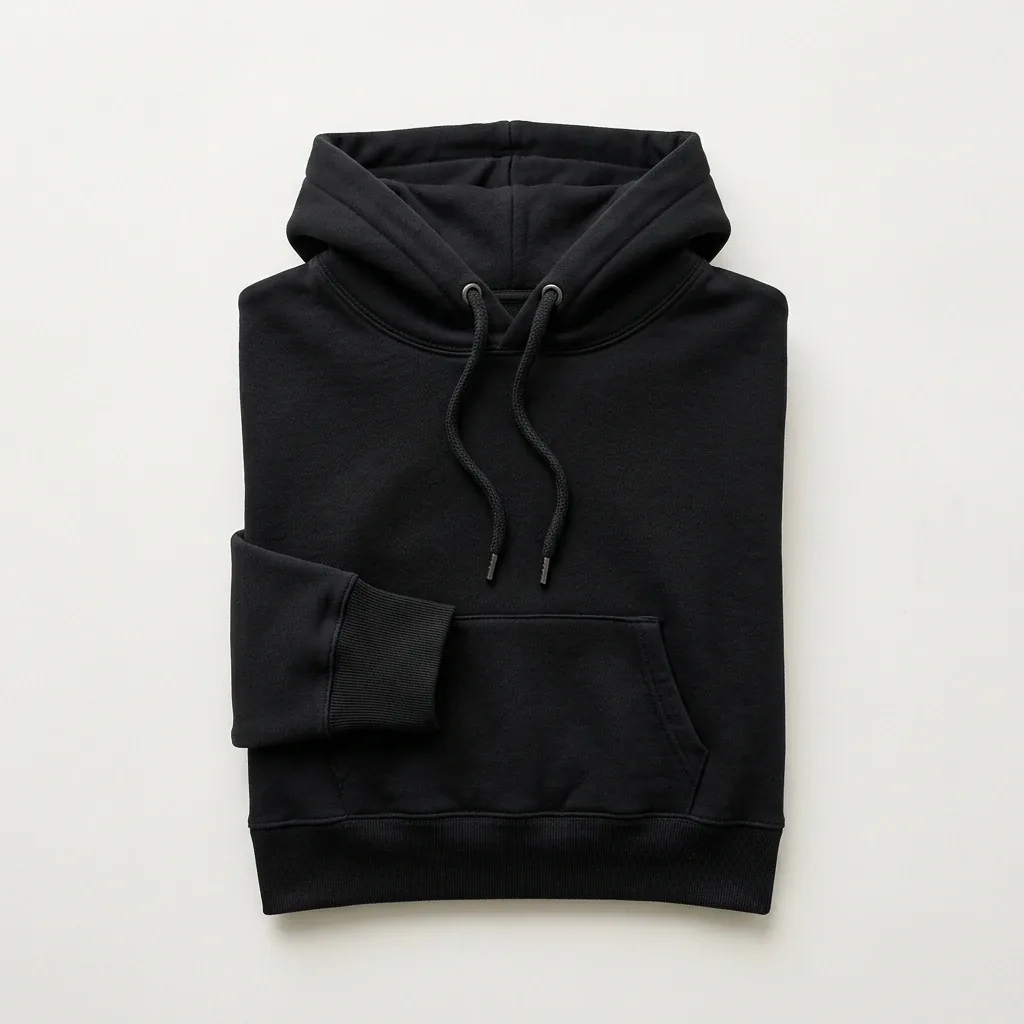
A clean white background puts the garment first. Start with your marketplace’s current category requirements, then check crop, resolution and product accuracy before you publish.
Start with one image and see whether it clears your own review. See pricing for the available Shotelle plans.
View pricing| Workflow | Manual editing service | The AI workflow |
|---|---|---|
| Getting started | Brief, quote and file handoff | Start with a garment photo |
| Finishing | Retoucher revisions | Review against the original |
| Consistency | Shared brief across editors | Repeat the same framing choices |
| Best next step | Request a sample edit | Evaluate one garment first |
Yes. Upload one clear flat-lay photo. The tool creates a garment image with worn volume and a hollow neckline; compare the result with your original before using it in a listing.
The tool is designed to remove the visible mannequin or hanger and rebuild garment areas hidden behind it, including the inner collar. Results depend on how clearly the garment is photographed, so review the output before publishing.
A product photo where the garment looks worn by an invisible person — the shape and drape of a worn piece with no model, mannequin or hanger visible.
A regular mannequin shot shows the stand. A ghost mannequin keeps only the garment, including a reconstructed inner neckline.
You can explore examples and preview your photos without signing in. Sign in to generate an image using your Shotelle credits; see pricing for the available plans.
Manual editing services quote by image, complexity and turnaround. Ghost mannequin generation uses one Shotelle credit per image. See pricing for current plans.
Neither is required to prepare your photo. Start with a clear garment image with good lighting and a visible neckline.
Flat lay, hanger, mannequin and on-model photos in JPG, PNG or WebP format, up to 20 MB each.
AI may reinterpret small details. Always compare texture, print, stitching, logos and color with your original before using a result as a listing image.
Start with clearly photographed shirts, jackets, hoodies, dresses, suits or knitwear. Fine lace, mesh and unusually structured collars need closer review.
Ghost mannequin imagery is used in apparel catalogs. Requirements vary by marketplace and category, so check the current rules and product accuracy before publishing.
Use ghost mannequin imagery to communicate volume and silhouette, and flat lays to show fabric and details. The two can work together in the same product gallery.
No mannequin. No Photoshop. A new perspective on your catalog.
Explore the ghost mannequin tool